
Platform
Company
Resources
Blog
December Product Release
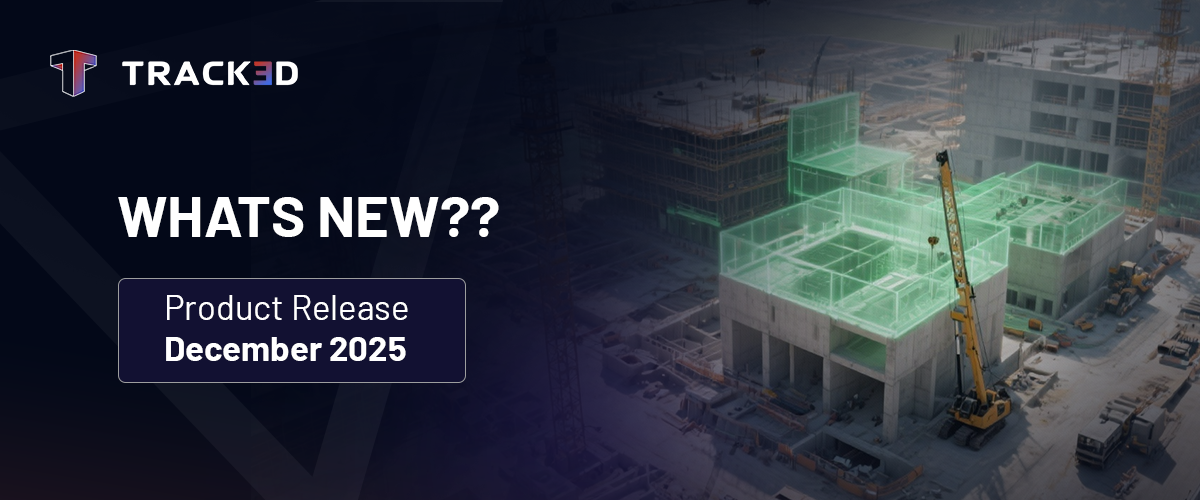
Planning for the future is good; predicting it is better. With this release, Track3D shifts gears from simply tracking progress to actively forecasting outcomes and personalizing your daily workflow.
From the new schedule-recovery capabilities of Prediction Charts to the efficiency of Saved Views and professional upgrades to Notes Reports, every feature this month is designed to help teams not just see the data, but own it—saving time and driving accountability.
Here’s what’s new:
1. Prediction Charts – From Progress Tracking to Schedule Recovery
Construction teams already rely on Track3D to see how their project is progressing. But to stay ahead, you need to know where it’s headed. Prediction Charts transform Track3D from a progress-tracking system into a true schedule-recovery engine.
With Track3D, you can now:
- Forecast Installation Progress: Go beyond current status and visualize future progress trends based on current performance.
- Compare Pace Scenarios: Run “what-if” scenarios to understand exactly how changes in pace will impact the completion date.
- Identify Recovery Actions: Get actionable insights on exactly what is needed to bring a delayed schedule back on track.
- Empower Area Supers: Give field leaders quick, visual arguments to discuss timeline recovery with trades.
This feature enables teams to stop guessing and start engineering their finish line, turning potential delays into managed recoveries.
2. Saved Views – Your Dashboard, Your Way
Every day, users filter through multiple hierarchy levels, categories, and dates. Reapplying these filters every session is repetitive and takes time away from decision-making. Saved Views eliminates this friction, letting you personalize your default experience.
With Track3D, you can now:
- One-Click Access: Save your most frequently used filter combinations and return to them instantly.
- Personalize Your Workflow: Whether you monitor a specific trade, a set of overlapping zones, or a specific schedule sector, keep that view front and center.
- Switch Contexts Instantly: Create custom views and toggle between them to compare different aspects of the project without rebuilding filters.
- Cut Setup Time: Reduce repetitive clicking by up to 90% and jump straight to the insights.
It’s simple: Stop reapplying filters. Start getting answers.
3. Enhancements to Notes Report – Drive Accountability and Professionalism
Communication extends beyond the platform. When you share reports with trades or clients, clarity and professionalism are non-negotiable. We’ve upgraded the Notes Report to ensure your external communication is as sharp as your internal data.
With Track3D, you can now:
- Assign Due Dates: Clearly communicate priorities and deadlines in your reports to drive timely action from trade partners.
- Branded Documentation: Automatically include your Company Logo on all exported reports (Notes, Progress, and PDF downloads) for a polished, professional look.
These enhancements make it easier to maintain professional standards and keep external teams accountable to the project schedule.
Ready to See These Features in Action?
Request a demo or connect with our team to explore how December’s updates allow you to predict outcomes, personalize your views, and drive accountability across your job site.