
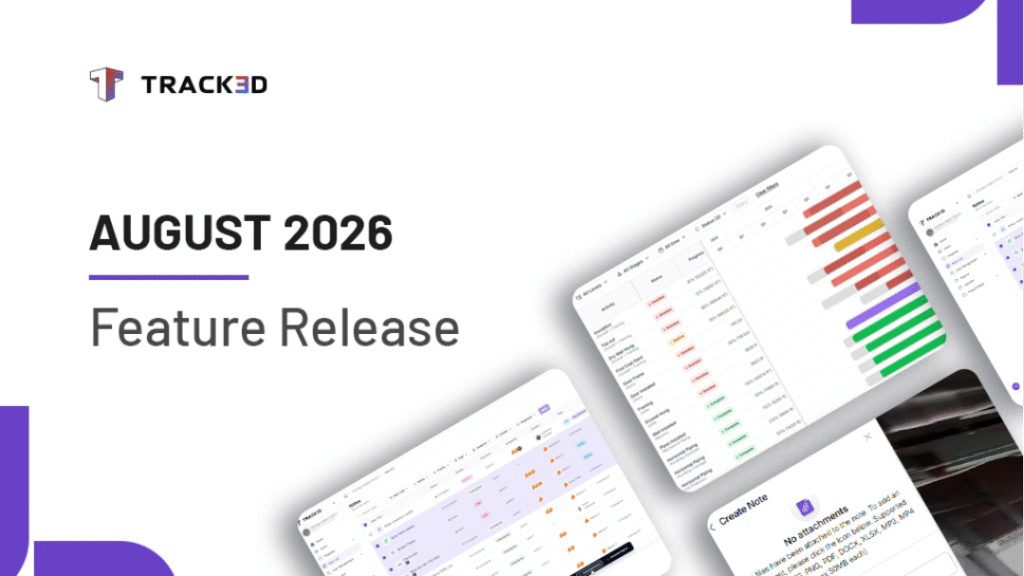
Construction work is constantly changing. Schedules move, field conditions change, Notes pile up, and documenting what happened can take more time than it should.
This month’s release focuses on making those everyday workflows simpler, helping teams understand progress, act on changes, manage Notes across the project, and capture observations with less effort.
Here’s what’s new:
Schedule Timeline: See Project Progress Against the Plan
A schedule tells you what should be happening. Progress data tells you what is actually happening. When those two aren’t easy to compare, teams have to piece the story together themselves, making it harder to spot delays and know where to focus next.
Schedule Timeline brings planned work and actual progress together in one Gantt view. Instead of switching between different views to understand the schedule, teams can see planned ranges, actual work, and status indicators together.
You can also filter the timeline by level, stage, time, or status. When you need to look closely at upcoming work, use the daily or weekly view. When you want to understand the broader project timeline, switch to monthly or quarterly.
The result is a clearer understanding of how work is tracking against the plan and where teams need to focus.
Procore Change Events: Move from Field Condition to Change
A field condition can quickly become a potential change. The problem is that the observation may be documented in Track3D while the change is managed in Procore. Moving between the two can mean recreating information and losing the context behind what happened.
Now, a Track3D Note can be connected directly to a Procore Change Event. From the Note, you can create a new Change Event or link an existing one and add the details needed to document the change, while keeping the original field context connected.
And the connection continues after the Change Event is created. Updates made in Procore are reflected in Track3D, keeping the field and office teams working from the same information.
This gives teams a more direct path from seeing a potential change to getting it into the project record, without having to rebuild the story along the way.
Notes List: Find and Manage Notes Across the Project
As projects grow, Notes can end up spread across different structures. Finding a specific Note or figuring out what still needs attention can mean opening the Viewer structure by structure.
The new Notes List gives teams a project-level view of Notes outside the Viewer. You can see Notes across the project in one place, then use filters and sorting to narrow them down by status, priority, tags, assignees, due date, or structure.
When you find the Note you’re looking for, you can jump directly to it in the Viewer at its latest capture date. Need to share or document several Notes? Select one or multiple Notes and generate a Note Report without opening each structure individually.
Instead of searching structure by structure, teams have one place to see what’s happening, find what needs attention, and move the work forward.
Voice-Enabled Note Creation: Say It Instead of Typing It
Some observations are easier to explain than they are to type.
When creating a detailed Note means stopping to write everything out, it can take extra time and make it harder to capture all the details while they’re fresh.
With Voice-Enabled Note Creation, you can now describe your observation using your voice and let Track3D fill in the Note for you. The voice input is processed immediately and used to populate the relevant fields.
Open the reality capture, navigate to the location, click Add Note, and select Speak to fill. Describe what you’re seeing, and Track3D automatically fills the Note details, including the description, assignee, priority, status, tags, and due date. You can review everything, make any changes, and create the Note.
It’s a simpler way to capture the full context of an observation without spending time typing it all out.
Built Around the Way Projects Actually Move
Schedule Timeline helps teams understand progress against the plan. Procore Change Events connect field conditions to change management. Notes List simplifies project-wide Note management. Voice-Enabled Note Creation makes capturing observations easier.
If you’d like to see how these features fit into your existing workflows, request a demo or connect with our team to explore the latest updates in Track3D.