
Construction projects rarely stay exactly as planned. Schedule dates shift, designs are revised, and teams need the latest information to keep work moving and make informed decisions.
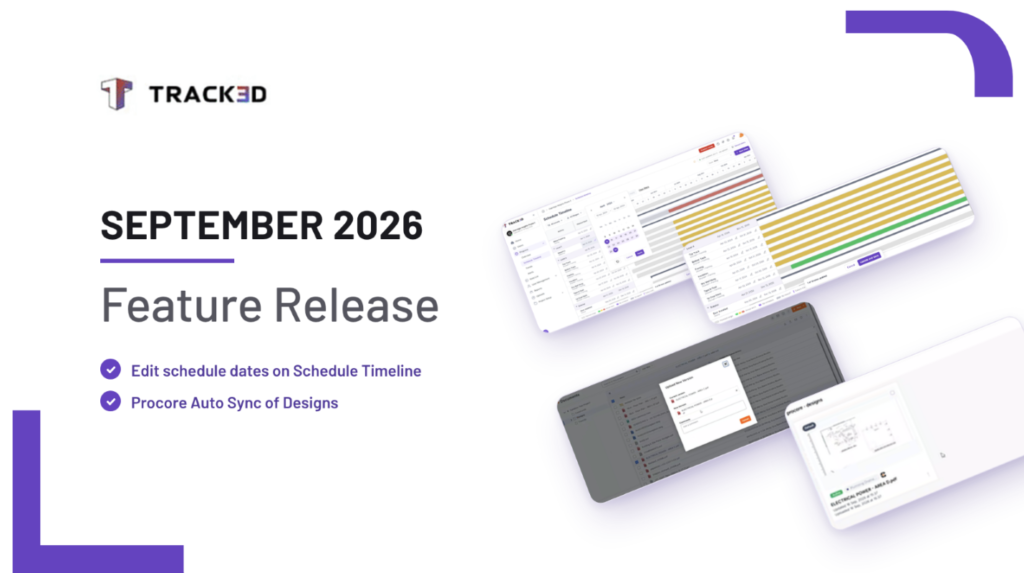
This month’s release focuses on keeping project schedules and designs up to date with less manual effort. With Edit schedule dates on Schedule Timeline and Procore Auto Sync of Designs, teams can keep schedule-based insights aligned with the latest plan and ensure they are working with current project documentation.
Here’s what’s new:
Edit schedule dates on Schedule Timeline
Construction schedules change as work progresses. When planned dates shift, keeping the schedule updated can take time, and outdated dates can affect progress comparisons, predictions, and alerts.
With Edit schedule dates on Schedule Timeline, users with Manage Schedule permission can update planned start and finish dates directly from the Schedule Timeline. They can update multiple activities at once and save all changes together.
With the latest dates reflected in Track3D’s progress comparisons, predictions, and alerts, teams can better understand the impact of schedule changes and make decisions based on the current project plan.
Procore Auto Sync of Designs
Designs and floorplans can change throughout a project. When a new version is uploaded in Procore, teams may need to manually download and re-upload the updated drawing, creating extra work and increasing the chance of working with an outdated design.
With Procore Auto Sync of Designs, when a drawing is updated in Procore, the latest version is automatically detected and synced to the corresponding design in Track3D, keeping project documentation up to date without manual re-imports.
This helps teams keep designs up to date, reduce manual work, and stay aligned with project changes as designs evolve.
Staying aligned with project changes
Construction projects are constantly evolving. Schedules shift and drawings are revised, making it important for teams to have the latest project information.
Edit schedule dates on Schedule Timeline keeps planned dates aligned with the latest schedule, while Procore Auto Sync of Designs keeps drawings up to date as revisions are issued.
Together, these updates reduce manual effort and help teams stay aligned with the latest project changes.
If you’d like to see how these features fit into your workflows, request a demo or connect with our team to explore the latest updates in Track3D.