Construction document management is the process of creating, storing, sharing, and tracking project documents so every team works from the current version. It covers drawings, RFIs, submittals, contracts, change orders, photos, and closeout records.
Most jobs do not slip because of one big document mistake. Small gaps pile up instead. A crew builds from an old sheet. An approval sits in an inbox. A closeout file goes missing. This guide covers the common construction document management challenges and a practical fix for each.
Key Takeaways
- Most construction document management problems come from scattered files, old versions, and slow approvals.
- A single construction document system gives project teams one single source of truth for project information.
- Clear naming, version control, and approval workflows fix most problems before software does.
- Construction document management software works best when the team already agrees on the process.
- Documents are most useful when they connect to what is actually built on site.
Quick Definitions
- Construction document management: The process of creating, storing, sharing, and tracking project documents.
- Document control: The rules for who can upload, review, approve, and release each document.
- Version control: A record that shows which revision of a drawing or file is current.
- RFI: A request for information sent when a drawing or spec is unclear.
- Submittal: A product or shop drawing sent for approval before it is installed.
- As-built documentation: Records that show what was actually built, including field changes.
What Is Construction Document Management?
Construction document management is the system behind the paperwork on a project, made of rules, software, and habits. It answers three questions every day. Where is the file? Is it the current version? Who approved it?
The construction document management process follows a loop: create, review, approve, distribute, and archive. Construction document control, or document control in construction, is the rulebook for that loop. It sets who can upload, who reviews, and how files are named. Construction document management software, also called construction documentation software, enforces that rulebook. Together they form a construction document system.
Construction project documentation goes beyond drawings. It also includes jobsite documentation, such as photos and daily logs, which belongs in the same system.
Why Does Construction Document Management Break Down?
It breaks down because many parties edit and share many files, and the field and the office rarely work from the same copy. Owners, architects, general contractors, and trade partners all create documents. Changes arrive daily. The construction process moves fast, and construction companies of every size feel this gap.
Without a single source of truth, copies drift apart. One person saves a file to a drive. Another emails a PDF. A third prints a set for the field. Soon nobody can say which version is right.
How Do You Stop Crews From Building With Outdated Drawings?
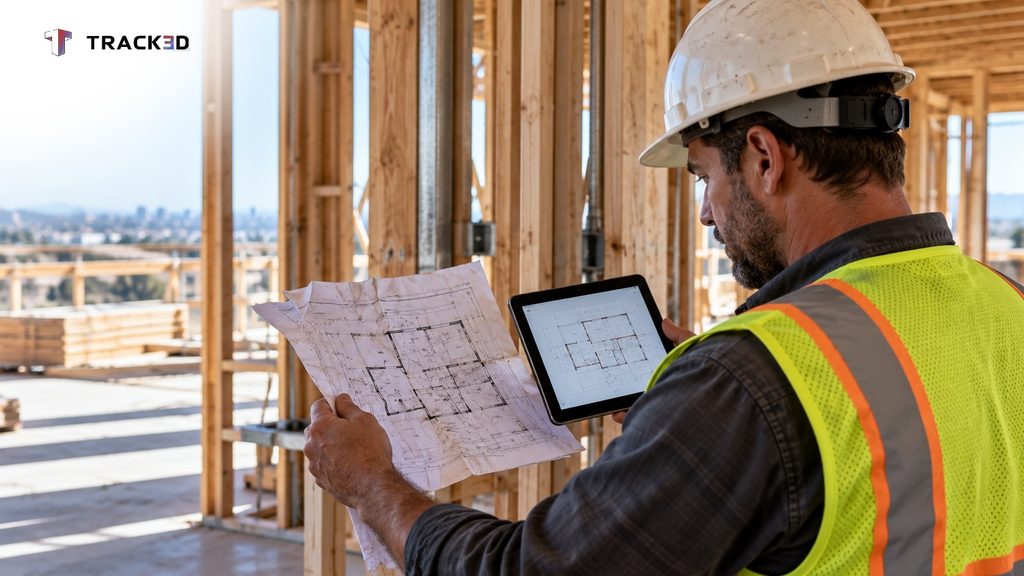
Keep every drawing in one controlled location, and mark old sheets as void the day a revision is issued. Outdated drawings cause rework, and rework costs far more than the time it takes to control a revision. Good control saves time and reduces errors.
Take an example. The architect revises a wall layout on Tuesday. The framers still hold Monday’s printed set. They build to the old layout, and the wall comes down later.
Fix it with a simple routine:
- Assign one person to release drawings.
- Keep a revision log, or version history, that lists each change and its date.
- Pull old printed sets from the field when a new one arrives.
- Ask the foreman to confirm the new set by sign-off.
This is document version control in construction. Construction drawing management software can enforce the routine, but the habit comes first.
What Happens When Files Live in Email, Drives, and Text Messages?
Teams lose time and trust, because nobody knows which copy is final. A search for one sheet can take longer than the task it supports.
The fix is one construction document system with a clear folder structure. Sort by project, discipline, and document type. Then add a naming rule that everyone follows, such as project, discipline, sheet number, revision, and date.
Keep email for notices, not storage. A message can point to a file, but the file should live in the system.
Why Do RFIs and Submittals Stall?
RFIs and submittals stall when nobody owns the next step. A request lands with a reviewer, who assumes someone else will answer first.
Fix this with a ball-in-court rule. Every item has one named owner, one due date, and one status. Review the log weekly, and flag anything past due.
Link each answer back to the affected drawing. An RFI response that never reaches the sheet becomes a future problem.
How Do You Keep a Reliable Audit Trail?
Record who changed what, and when, inside the system. An audit trail protects the team when a dispute starts over a change order, a revision, or an approval. It also supports regulatory compliance and helps reduce risks.
Lock approved documents and use access control so nobody overwrites them. Require a short comment on each revision. Keep the history exportable for claims.
The same trail matters for payment. A pay application depends on matching change orders and approvals, and the AIA G702 and G703 forms are only as sound as the records behind them. Lien waivers follow the same logic, because every construction lien waiver should match a documented payment.
Why Don’t Field Records Match What Was Built?
Field records drift when the work changes on site and nobody updates the record. Crews make small changes every day to solve real problems. If those changes never reach the drawings, the as-built documentation is wrong from day one.
Fix it with a regular capture rhythm. Take dated photos tied to a location, and mark up drawing changes the same week they happen. Compare the record to the plan at each milestone.
A short monthly review also helps. Ask each trade to confirm what changed since the last review.
How Do You Avoid the Closeout Document Scramble?
Collect closeout documents as the job moves, not at the end. At closeout, teams hunt for warranties, manuals, permits, and as-builts. That hunt delays handover.
Build a closeout checklist at kickoff. List the construction closeout documents each trade owes, such as operation and maintenance manuals and warranties. Add quality control records, such as QA/QC documents and inspection checklists, to the same list. Check progress monthly, and treat missing items like any other open task.
What Do the Problems and Fixes Look Like Side by Side?
| Problem | Fix |
| Outdated drawings in the field | One controlled location, revision log, old sets pulled |
| Files scattered across tools | One construction document system, folder rules, naming rule |
| Stalled RFIs and submittals | One owner, one due date, one status per item |
| Weak audit trail | Locked approvals, revision comments, exportable history |
| Records that miss field changes | Dated captures, same-week markups, milestone reviews |
| Closeout scramble | Checklist at kickoff, monthly check by trade |
How Do You Choose Construction Document Management Software?
Choose construction document management software that fits your process, your team’s habits, and your project type. Software cannot fix a missing process. It speeds up a good one, and it helps with improving collaboration between the office and the field.
Look for these features in any document management system for construction:
- Version control that shows the current revision at a glance.
- Mobile access that works on phones and other mobile devices on site.
- Permissions that control who can view, edit, and approve.
- Markup tools for drawings and photos.
- Approval workflows for RFIs and submittals.
- An audit trail that records every change.
- Links to scheduling, cost, and payment tools.
- Simple onboarding, so the whole construction team uses it.
A note on fit: a small project with few parties may not need a full platform. A clean folder structure with firm rules can be enough. Larger jobs with many trades usually gain from dedicated software over the long term.
How Do Documents Connect to Verified Progress?
A document system tells you what the plan, the contract, and the approvals say. It does not tell you how much work is installed. That gap matters, because billing, schedules, and handover all depend on built conditions.
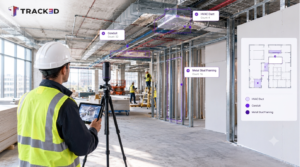
Reality Intelligence platforms like Track3D close that gap. The ProgressTrack tool measures installed work from site captures, so your records can be checked against what is in place. That is the role construction progress tracking software plays beside a document system.
Want Your Documents to Match What Is Built?
Strong construction document management gives your team a single source of truth. Verified progress shows that the source of truth matches the site. Talk to us to see how Track3D can help you confirm progress against your project records.
Frequently Asked Questions
What is construction document management?
Construction document management is the process of creating, storing, sharing, and tracking project documents so every team works from the current version.
What is construction document management software?
It is a tool that stores project documents in one place, controls versions, routes approvals, and records an audit trail.
What is document control in construction?
Document control is the set of rules for who can upload, review, approve, and release documents. It keeps every team on the current version.
What are the most common construction document management problems?
The most common problems are outdated drawings, scattered files, stalled RFIs and submittals, weak audit trails, field records that miss changes, and a closeout scramble.
How do you choose construction document management software?
Match the software to your process and project size. Check for version control, mobile access, permissions, approval workflows, an audit trail, and links to your other tools.
What are the types of construction documents?
Common types include contracts, drawings, specifications, RFIs, submittals, change orders, daily logs, photos, permits, and closeout records.