With the launch of Track3D Annotations, we’re not shipping a feature. We’re closing the gap between the physical site and the intelligence platform built on top of it.
There is a ritual so embedded in construction project coordination that nobody questions it anymore. You notice something on site. You take a photo. You mark up a drawing, type a message, or record a voice note. And then somewhere in the journey from your observation to someone else’s action, meaning gets lost.
It’s an architecture problem. Every tool the industry has ever built for field coordination has the same fundamental design: it asks you to annotate a document that represents the physical world and then hopes the person reading it can find the right place on site. That is the translation step. And that translation step is where the “which wall did you mean?” conversation lives. It’s where RFIs take longer than they should, where punchlist items get resolved in the wrong place, where a superintendent’s observation that took five seconds to make takes two days and four conversations to action. It’s not a workflow problem. It’s an architecture problem.
Why this problem has persisted
For most of construction history, annotating the physical world was not possible. Drawings became the closest proxy. As a result, the industry built everything around them. Coordination workflows, RFI processes, issue management systems, and punch list tools were all designed to annotate paper that represented reality instead of reality itself.
When digital tools arrived, they digitised the workaround. PDFs replaced paper. Screenshots replaced drawings. Photos in project management tools replaced photos in folders. The underlying architecture didn’t change. You were still annotating a representation.
Even as reality capture transformed site documentation, giving teams the ability to walk 100,000 square feet and produce a complete visual record, the gap remained. The capture told you what was there. It didn’t tell you what it meant. And when you wanted to flag something in that visual record, you were back to the same workaround: describe it in a separate system, hope the context travels with it, accept that it probably won’t.
This is what we mean when we say the construction industry has been managing a translation problem for 100 years. The tools got better. The underlying limitation stayed the same.
What Reality Intelligence changes
Track3D was built to close the gap between visual site data and the intelligence project teams need to make decisions. We started with the analytical layer: automated progress tracking, schedule-aligned quantification of what’s installed and what isn’t. We called this layer Reality Intelligence, and it represents something genuinely different from reality capture. Capture tells you what’s there. Intelligence tells you what it means — automatically, continuously, and with insights the field can act on.
But intelligence on the platform is only one side of the picture. The other side is the field — the superintendent on a walk, the foreman coordinating the next trade, the project engineer reviewing what happened today. Their observations should travel back into the same visual record the platform is building. Until now, that path was broken by the translation step. The field saw something. The record did not. There was no native way to say “here is exactly what I mean, exactly where it is,” inside the same captures and drawings the rest of the platform was working from.
Annotations close that loop. It is the mechanism by which the field’s observations enter the same visual record — the same captures, the same drawings, the same project — that everyone else on the team is already working from. The picture gets more complete with every walk, every observation, every voice note.
What Annotations actually does
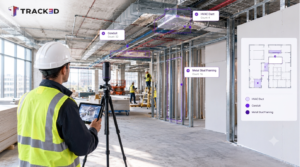
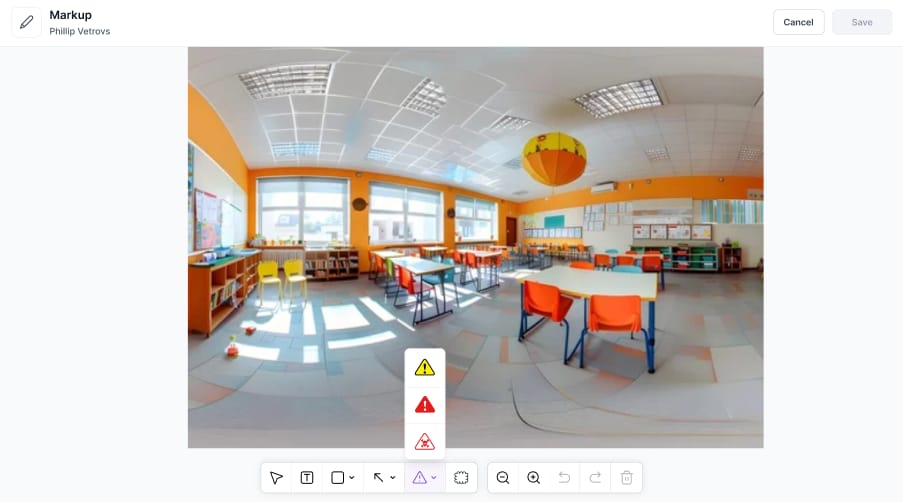
The concept is simple. The implications are significant. Track3D Annotations lets field teams mark up directly on reality captures and design sheets. The same toolkit — arrows, pins, callouts, shapes, cloud markup, hazard icons — works on the drawing or on the 360 degree capture. The user decides where the markup belongs. That choice is what makes this different from every other annotation tool in construction.
Three substantive things change with this release.
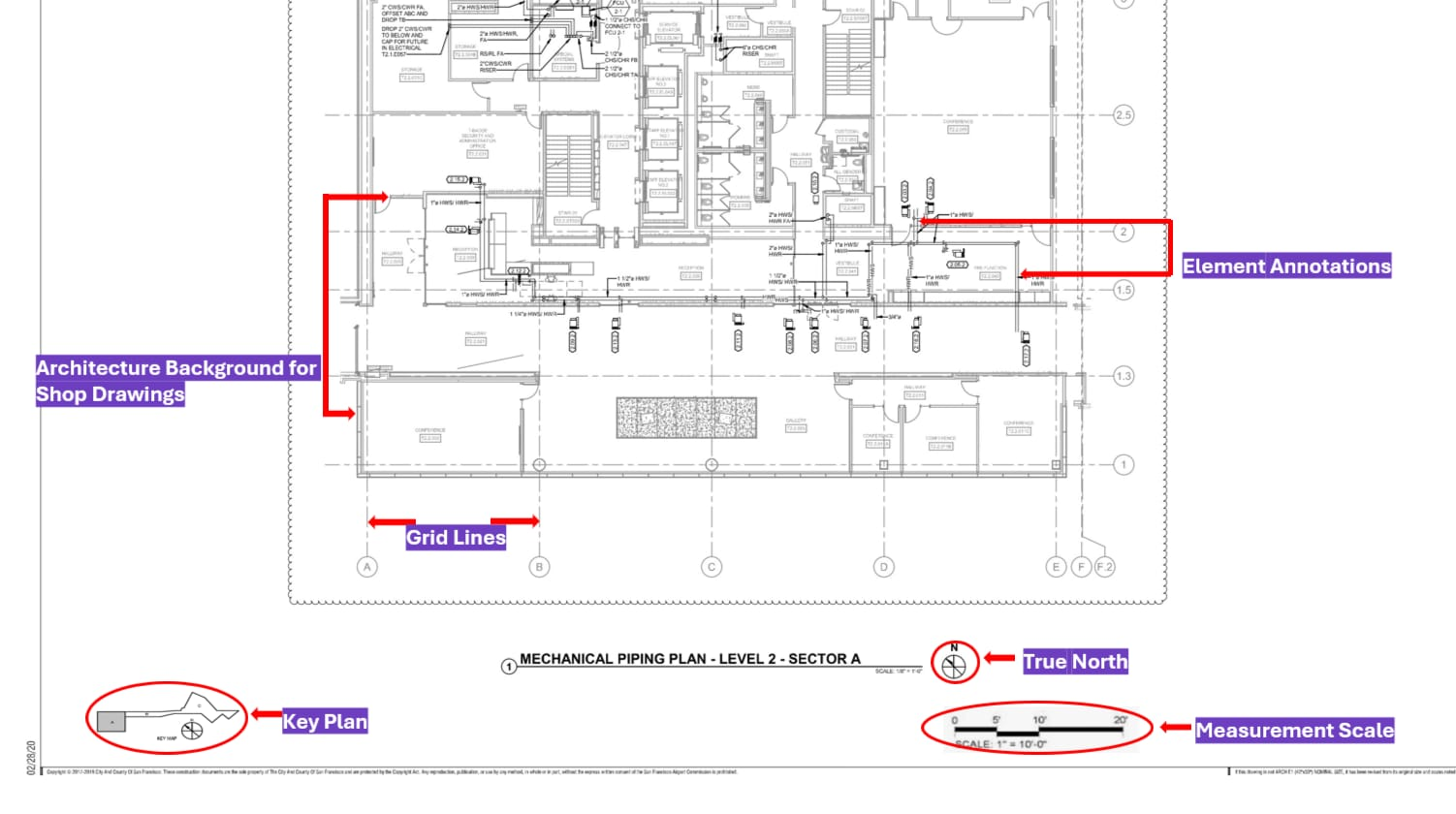
1. Drawing annotations are no longer trapped on the drawing: Annotating on drawings is not new. Every tool in the category does it. What is new is that the drawing in Track3D is already linked to the reality capture at that location. So when someone places an arrow on a wall section in the drawing, the person receiving that annotation can see exactly what the wall looks like on site — without going to site, without a follow-up walk, without the back-and-forth that comes when the recipient has to interpret a drawing-only markup. The annotation carries the visual reality with it.
2. You can now annotate the reality itself: For the first time, the field can mark up directly on the 360 degree capture of the actual location. An arrow on the exact section of pipe. A callout on the specific run of ductwork. A hazard marker on the area that needs to be cleared before the next trade moves in. The markup lives on the image of the thing it is about, not in a message that describes it. And because reality and drawings are linked in Track3D, an annotation on the reality automatically connects back to the design — coherence in both directions.
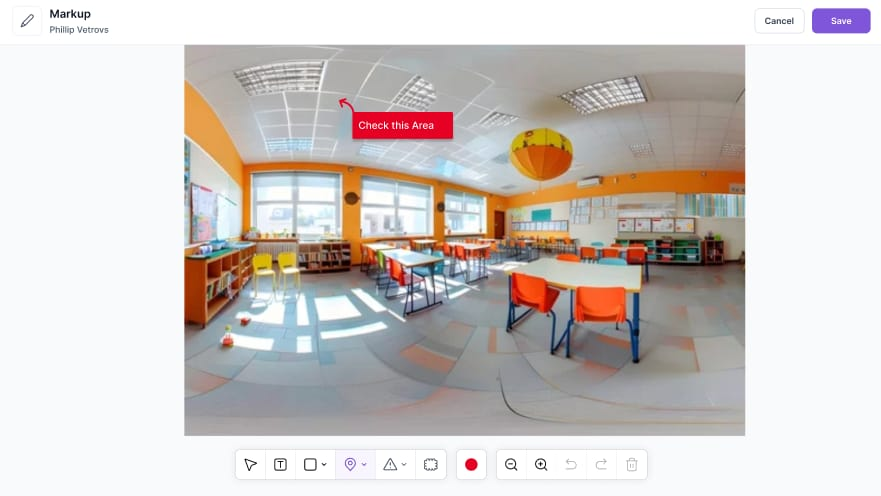
3. The field chooses where the annotation belongs: Other tools force annotations into one box: the drawing. Track3D lets the user pick the surface that communicates the observation best — drawing, reality, or both. Fewer separate tools to maintain. Fewer translations to perform. One coherent record across drawing, reality, and field intent, instead of ten apps trying to do ten partial versions of the same job.
Annotations and Notes — distinct, complementary
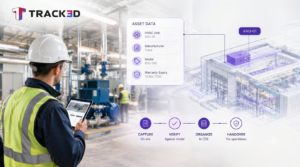
An annotation shows. A note acts. They are different artifacts and they are meant to work together. An annotation is informational. It establishes context, marks a location, makes an observation visible. It does not by itself assign work or carry a deadline. A note is the official record of action. It carries the assignee, the due date, the priority, and the workflow connection. When an observation needs to become a task, the annotation is attached to a note, and the note carries everything — including the visual annotation — into the rest of the workflow. The annotation describes what is being seen. The note describes what to do about it.
You can have an annotation without a note, because sometimes the goal is to provide context, not to assign work. You can have a note without an annotation, because sometimes a task does not need a visual marker. Most often, in practice, they travel together — the annotation giving the note its precision, and the note giving the annotation its accountability.
Built into the systems you already run on
Reality Intelligence does not ask your teams to leave the platforms they’ve standardised on. It enriches them. When an observation needs to become an action in your project management system, a note is raised in Track3D — with the annotation attached. The note, carrying the full visual context of the annotation along with the assignee, due date, and priority, flows directly into Procore, Autodesk Construction Cloud, and other project management tools in one tap, without re-entering information.
For the VDC, IT, and Innovation leaders who have invested in standardising on a project management stack, this matters. Annotations is not another system of record competing for adoption. It is the visual intelligence layer that makes your existing system of record more accurate, more actionable, and more aligned with what’s actually happening on site. The platforms you’ve already chosen become more valuable, not less, the day Annotations is turned on.
It also means your teams don’t need ten different tools for ten different ways of marking up site information — a drawing markup tool, a photo annotation app, a separate punch list system, a voice memo app. Track3D collapses these into one platform, one record, one source of visual truth, connected back to the project management stack you’ve already built around.
What this changes — by the role you play on the project
For the superintendent walking the site. What used to take a photo, a message, a clarifying call, and a follow-up walk now takes one action. Annotate in place, on the drawing or on the reality. The observation is captured, located, and routed in the same motion as the walk. The walk does not slow down. The downstream resolution does not require interpretation.
For the VDC director and operations leader managing the workflow. Every observation coming off the field now arrives as located, visually grounded records that connect directly to the design intent and to the project management system you’ve standardised on. Coordination meetings shift from “where is this?” to “what do we do about it?”. The reporting loop that used to take days closes within the shift.
For the project executive and finance leader accountable for outcomes. The translation step is where rework, RFI cycle time, and punchlist drag live. Removing it removes a category of friction that compounds across every active project in the portfolio. The cost of a misinterpreted observation is rarely calculated, but it is rarely zero. Reality Intelligence makes that unpriced cost visible and addressable — first project by project, then portfolio-wide.
Why this matters for the category we’re building
Reality Intelligence is a category, not a product. And like any category, it has a definition — a line between what it is and what it isn’t. Reality capture is what most platforms in this space do. They document the site. They create a visual record. They tell you what’s there. Reality Intelligence is what we do. We take that visual record and tell you what it means, automatically, continuously, with insights the field can act on. Annotations is what now lets the field act back — closing the loop between the platform and the people building the project, without forcing either side to leave the systems they already work in.
What is available today
Annotations is available now, across all Track3D projects. The full markup toolkit — text, arrows, pins, callouts, shapes, cloud markup, and hazard icons — applied directly on reality captures and design sheets, the user’s choice of surface. Every markup is saved as an editable layer. Creator, timestamp, and coordinates are stored automatically in the audit log. Markups are included in every PDF export and notes report. When an observation needs to become an action, attach it to a note — the note flows into Procore, Autodesk Construction Cloud, and your other project management workflows in one tap.
What comes next
Annotations is one of two capabilities going live this season. The other is Daily Logs. The industry’s daily logs have always been written from memory, at the end of a long day — which makes them incomplete and inaccurate by design. Track3D captures the day as it happens: video, voice, location, in the moment, throughout the shift. The log writes itself from what the field says while standing right there. At the end of the day, the superintendent curates into the formal log. Curation, not reconstruction. The result is a daily log you can actually trust.
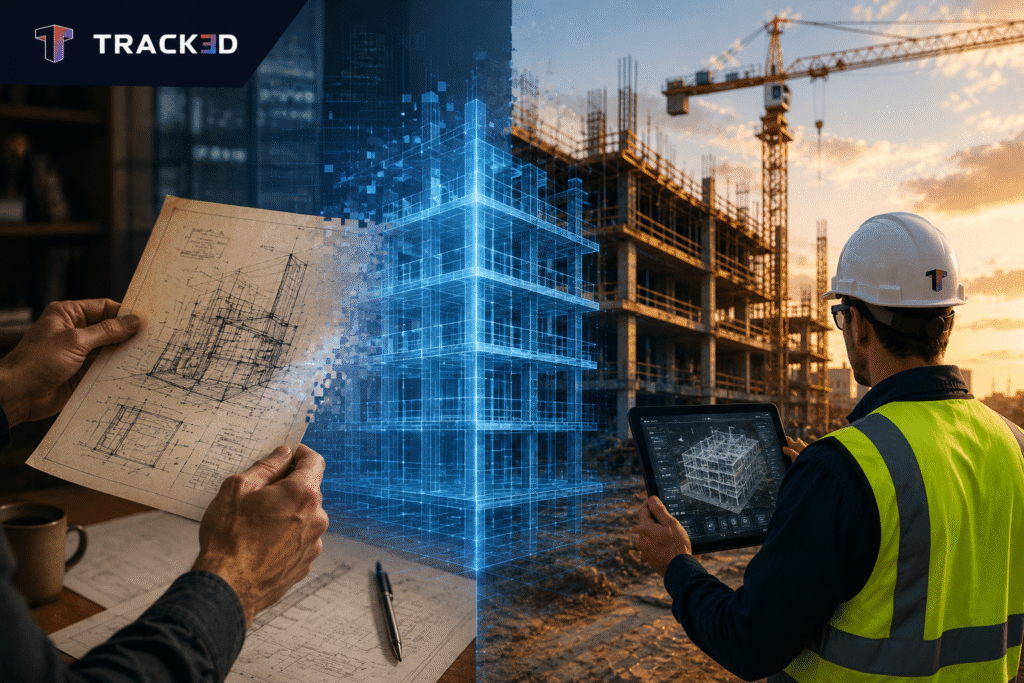
The vision behind both capabilities is the same. Construction is a physical industry that has been managed through digital proxies. Drawings. Schedules. Reports. Each one a step removed from what’s actually happening on site. Track3D is bringing your workflows into alignment with physical reality — literally. Annotations let you mark up the world, not just documents about the world. Daily Logs let you capture what’s happening in the field, in the moment, in context, rather than reconstructing it from memory hours later. The closer your tools are to the physical reality of a project, the better the information you get, and the better the decisions you can make.
Now for the first time, the field’s observations and the platform’s intelligence are working from the same record. The loop is now enabled.