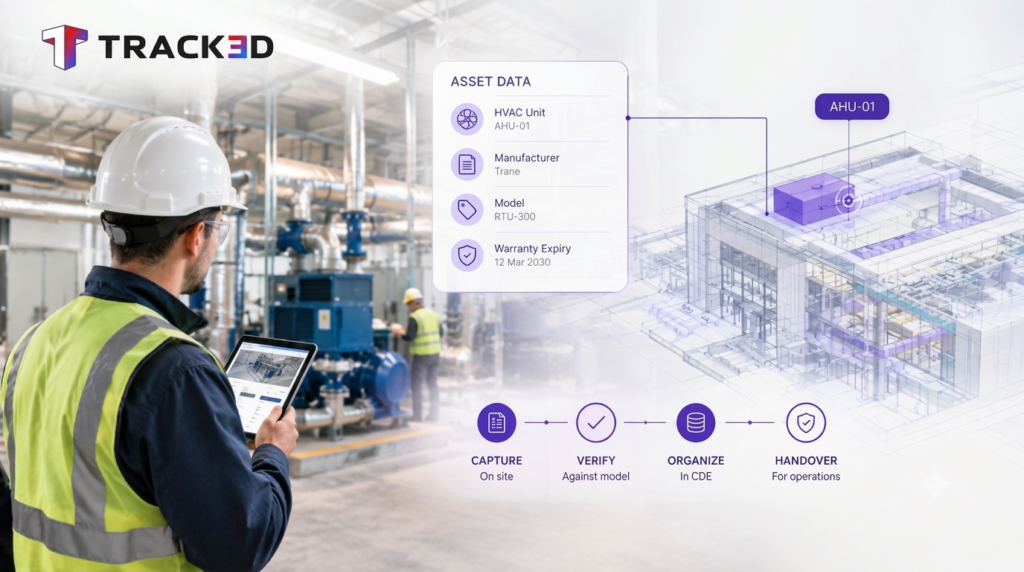
Construction asset management is the practice of capturing, verifying, and organizing data about a building’s systems during construction. The goal is simple: an owner can operate, maintain, and eventually replace each asset without guesswork.
Key takeaways
- Asset management starts with how teams capture project data, not with the handover meeting.
- Owners and operators absorb the largest share of the cost tied to poor data handoff.
- Fragmented capture across trades creates most of the gaps facility teams inherit at closeout.
- A handover-ready workflow standardizes naming, captures data throughout the job, and checks it against the model.
- The right asset management software depends on whether a team tracks building systems or mobile equipment.
What is construction asset management?
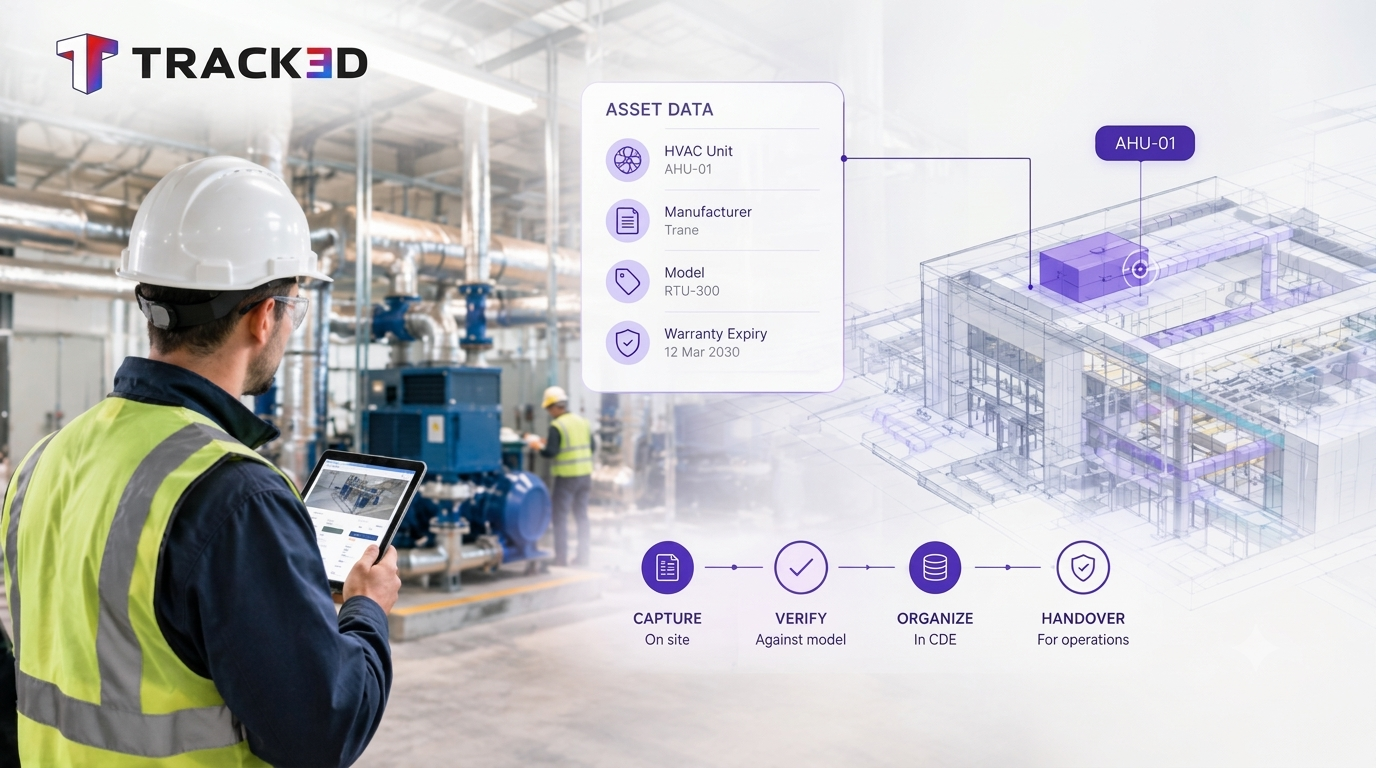
This discipline covers a building’s systems as crews install them, from HVAC equipment to structural steel. The output is a record accurate enough for an owner to run the building.
Under ISO 19650, that data lives inside an Asset Information Model. Teams that handle it well hand over records a CMMS or IWMS can run on for decades. Teams that don’t leave the owner to rebuild the asset register from scratch after handover.
Most people treat this as a closeout task. The mistake is the timing. Handover is where the gaps get discovered, but the construction phase is where they get created.
Why does it matter?
An owner spends most of a building’s life in the operations phase. The quality of the data inherited at handover sets the ceiling for how well that phase runs. A missing warranty date or an unverified equipment location turns a maintenance decision into a guess.
The cost is large. A 2004 NIST study estimated that inadequate interoperability costs the U.S. capital facilities industry about $15.8 billion a year, and owners and operators carry most of that burden. Teams commonly inherit disorganized as-built drawings, incomplete manuals, and asset data that does not match what a technician finds on the wall.
How does asset data get lost on a project?
So where does the data go? Most jobsites generate plenty of it: photos, punch lists, RFIs, submittals. The trouble is where it lands. A subcontractor’s photos sit in one app. The superintendent’s notes sit in another.
No one checks any of it against the model while work happens, which means errors compound quietly for months. A mislabeled panel or a swapped unit gets found when the facility team goes looking for it, long after the trade has demobilized and the retainage has been released. By then the fix costs far more than the original check would have. One can say this is the single biggest source of handover disputes, though it rarely gets named that way, because each incident looks small on its own. A missing serial number here, a wrong room tag there. Add them up across a hospital or an airport and the facility team inherits thousands of small unknowns.
The fix is documentation verified against design intent as it happens. Each capture is tagged to a specific location, trade, and asset instead of filed away as a flat photo. This is the same discipline behind good construction data hygiene.
How do you build a handover-ready workflow?
A handover-ready workflow starts with the information requirements an owner would set for any capital project. Four steps carry most of the weight.
- Define asset information requirements early on. Decide what data each system needs, down to manufacturer, model, and warranty term.
- Standardize asset naming across trades. Inconsistent naming keeps facility teams from matching BIM data to what is installed.
- Capture asset conditions throughout construction. Waiting until the punch list forces the team to reconstruct details from memory.
- Package the output in a CMMS-ready format. COBie or a comparable export saves the facility team from re-keying data.
Step three is where visual verification earns its place. Track3D, for example, compares site captures against the model so a team can confirm that an installed asset sits where the design says it should, and it tags that record to the location and trade. A digital twin built this way gives the owner a record that reflects the building as constructed, not the building as drawn.
What should a handover package include?
A strong package covers four things: as-built drawings, equipment manuals and warranties, commissioning records, and a structured asset register. The register matters most, because it is the file the operations team opens first.
| Item | What the owner uses it for |
| As-built drawings | Locating systems and planning renovations |
| Manuals and warranties | Maintenance schedules and claims |
| Commissioning records | Confirming systems performed at turnover |
| Asset register (COBie or similar) | Loading the CMMS or IWMS |
How do you choose construction asset management software?
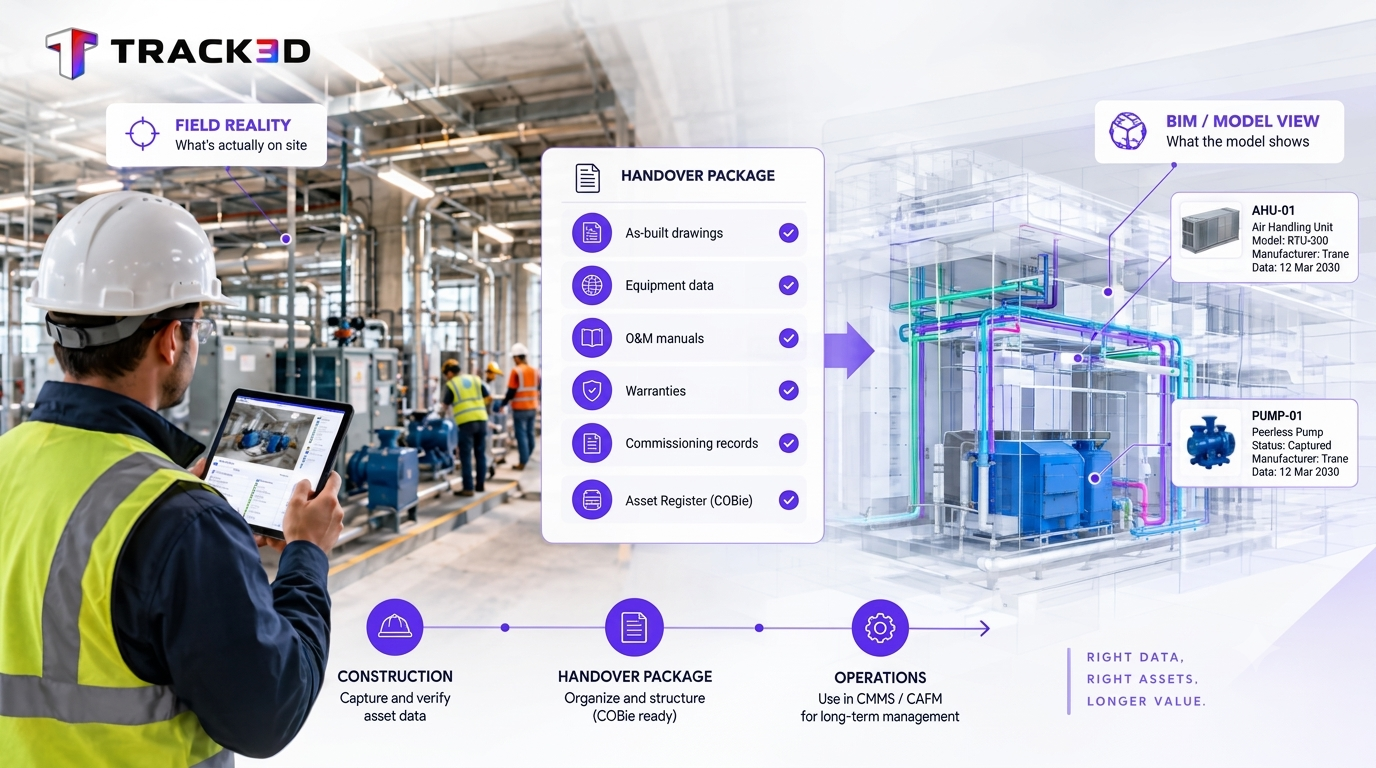
Asset management software for construction falls into two categories. The first tracks building systems, such as MEP equipment and finishes tied to a BIM model. That category feeds facility operations after handover.
The second, construction equipment asset management software, tracks mobile assets like excavators and generators. It ties maintenance schedules to usage hours to reduce equipment downtime.
A fleet tracking tool rarely fits building system handover data. A building focused tool rarely fits fleet tracking. The deciding question is whether the asset stays in the building or leaves the site with the contractor.
Most teams end up combining several tools: a BIM platform, a CMMS or IWMS for operations, and a progress verification layer that ties site captures to specific locations and trades. At Hensel Phelps, consolidating that verification step replaced 20-plus separate monthly job walks with one and cut nearly 3,000 hours of manual coordination on a single airport project. The Reality Intelligence approach behind that result works the same way on asset data.
When is a full asset management workflow not a fit?
A single-family home or a small tenant improvement rarely needs one. Structured data capture pays off on projects with long operating lifespans and complex systems, such as hospitals, airports, and campuses. It does not pay off on a quick renovation an owner will resell within a year.
Scale the effort to the asset. A lighter version, with consistent naming and one verified asset list, still helps smaller jobs.
Frequently asked questions
What is construction asset management?
It is the process of capturing, verifying, and organizing data about a building’s systems and equipment during construction. The result is the set of records an owner needs to operate and maintain those assets.
What software is used for construction asset management?
Teams usually combine three tools. A BIM platform holds the model. A CMMS or IWMS runs operations. A progress verification tool ties site captures to specific locations and trades.
How does BIM support asset management?
BIM gives asset data a spatial home by linking each system to its location in the building model. Once site captures verify it, the model becomes a reliable source for the Asset Information Model an owner needs at handover.
What should a construction handover package include?
As-built drawings, equipment manuals and warranties, commissioning records, and a structured asset register. Ask for the register in a CMMS-ready format like COBie.
Good handover data comes from habits set months earlier. Teams that verify as they build, name assets consistently, and keep the model current give owners a building they can actually run. Track3D supports that habit by checking site conditions against the model throughout construction, so the records owners inherit match the building they receive.