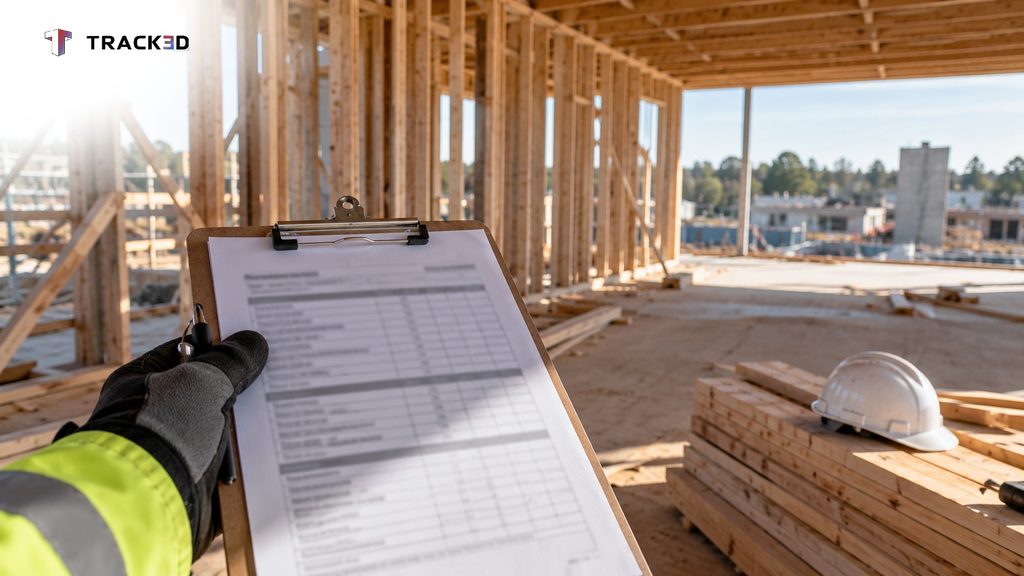
On pay app week, the project manager, the super, and the trade partner’s project manager walk Level 3 with a clipboard. They agree the framing looks about half finished. One person estimates 60 percent, another estimates closer to 50, and they settle in the middle before they sign.
Everyone leaves with a number, but nobody leaves with a measurement.
Most pay app construction reviews at construction companies of every size follow this pattern. The method causes the discrepancy, not the effort. A pay app records what a trade partner claimed and what the team approved, but it does not record what the crew has installed.
A project manager can verify billed percent against installed quantity before signing. That verification catches the discrepancy while the correction still costs little.
Key Takeaways
- A pay app proves that someone made a claim and someone approved it, but it does not prove what the crew has installed.
- Percent complete is a visual estimate, and payment depends on it, so reported numbers drift upward even when everyone is honest.
- You can spot-check a pay app this month by counting installed units on the highest-value lines.
- Measured installed quantity turns a negotiated percentage into a verifiable check.
What Is a Construction Pay Application?
A pay application in construction, or pay app, is the monthly bill a trade partner submits for the work it finished that month. Many contracts call it an application for payment. Drywall, electrical, and mechanical trades all submit one each month.
Pay application construction workflows follow the same cycle on most jobs. Teams call that cycle progress billing. The construction contract sets the payment terms and progress payments follow a payment schedule rather than one lump sum.
The industry standard is the AIA G702 G703 pair. The G702 gives the summary page, including the contract sum and any approved change order. The G703 gives the line-by-line detail, with percent complete and balance to finish for each line.
Each trade’s contract divides into a schedule of values (SOV). The SOV lists line items, and each ties to a scope of work and a dollar value. An example line reads “Level 3 framing, $120,000.”
Every billing period, the trade reports a percent complete for each line, which some teams call the percentage of completion. At 60 percent, the trade bills $72,000 for that line. Retainage, usually 5 to 10 percent, remains with the GC until the end of the job.
At 10 percent, retainage comes to $7,200 on that line, which leaves $64,800 payable.
The general contractor’s project manager reviews every trade’s pay app, often with the super. The GC then combines them into one pay app for the project owner. The owner’s side may check it again.
Some contracts require supporting documents, such as photos or progress reports, with each pay app.
What Does a Pay App Prove, and What Doesn’t It?
A pay app proves that someone made a claim and someone approved it. It does not prove how much work sits in place.
A construction pay app only matches the percentages inside it, and each percentage is an estimate. A foreman or the trade’s project manager inspects the work and chooses a number. Payment depends on that number, so the pressure runs one way, toward rounding up.
This pattern comes from the process, not from bad intent. When payment depends on a number that nobody can prove, even careful people tend to round up. The foreman also has a crew to run, so reporting gets squeezed in at the end of a busy day, and the percentages get rounded off.
Verification faces the same limit. Someone from the GC inspects the floor and judges by eye. Two people can examine the same half-framed floor and reach different numbers, and neither can substantiate theirs.
Early in a job, a line reported at 40 percent that actually stands at 35 percent does not stand out. The same habit repeats every month across every trade. Small differences compound until nobody can trace the number back to the work.
Trade partners want verified numbers too, and many check their foremen’s quantities before they bill. The goal is a better method, not a suspect.
What Does a Wrong Number Cost a General Contractor?
A wrong number costs the GC money paid ahead of the work, and the cost emerges later.
One common cause is front loading, which happens when a trade bills more of the job early than the crew has finished. It rarely looks like a problem in the month it happens. A schedule of values with heavy early line items makes it easy to hide.
It becomes a problem when a trade falls behind or leaves the job. By then, the GC has already paid for work nobody finished.
Picture a trade that bills most of its framing by mid-job and then moves its crew to another project. The GC holds a pay app that claims most of the framing. Finishing it means paying a second crew for work the GC already paid for.
The next schedule update can expose the same gap, and someone has to explain the disagreement between the schedule and the pay app. When the project owner questions the GC’s rolled-up pay app, the project manager has to defend numbers nobody measured.
How to Review a Pay Application Against Installed Work
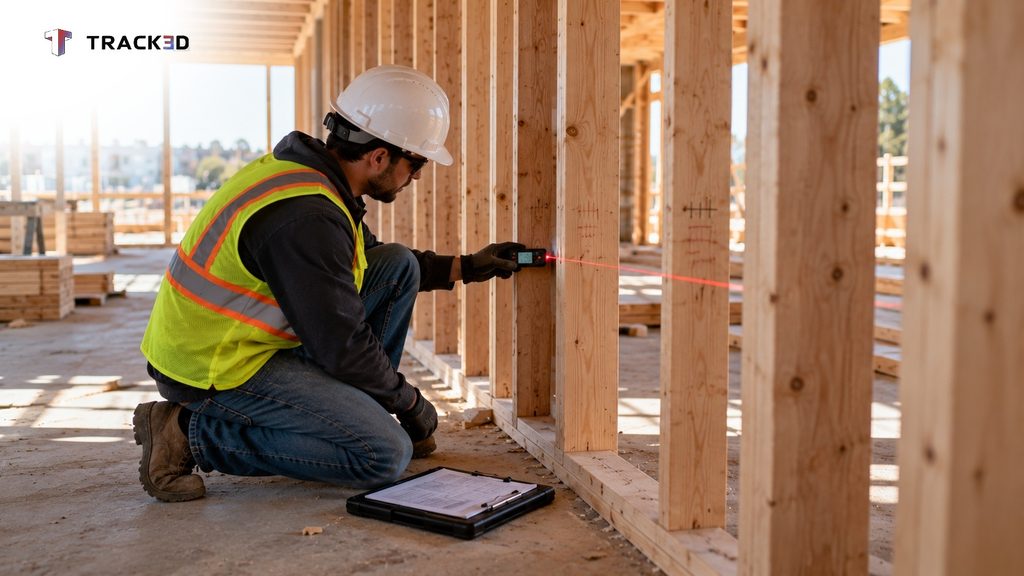
To review a pay application, compare each billed percent to a quantity you count on the floor, and start with the highest-value lines. A pay application review does not need software. Think of it as a quick pay app audit rather than a full one.
- Sort the line items by dollar value, because a few lines hold most of the money.
- Pick a countable unit for each line, such as linear feet of wall, number of fixtures, or floors poured.
- Count what the crew has installed, and take the total from the drawings, not from memory.
- Divide the installed count by the total, then compare the result to the billed percent.
- Date-stamp photos of what you checked, and save them with the supporting documents as part of your jobsite documentation.
- Flag any line where billed percent runs ahead of your count. Settle it before the pay app reaches the project owner.
Consider Level 3 framing at 60 percent billed against 1,200 linear feet of wall. You should find about 720 feet standing. If you count 500, ask the trade partner about the gap before the next progress billing cycle closes.
When a line draws a flag, share your count and ask the trade partner for theirs. Most gaps come from different assumptions about what “done” means. Agree on the unit first, then on the number.
The most careful GCs walk weekly with the trade partner and agree percentages line by line before billing. That works, but it costs a day and still produces an agreement rather than a measurement.
Counting by hand has a limit. Most pay app review time goes to a few lines, and the gap tends to hide in the lines nobody checks.
Where Measured Progress Changes the Check
Measured progress changes the check by replacing an agreed percentage with a quantity counted from the site.
The method is simple. Someone walks the site with a 360 camera, and the captured data is measured against the quantities the team set up from the drawings. Platforms like Track3D do this measuring.
Percent complete then equals the quantity done divided by the quantity set up. Every number has a clear source.
From there, the project manager can see percent complete by floor, zone, and trade. Exporting those numbers to Excel puts them beside the schedule of values. Linking each trade’s setup to its cost codes keeps the numbers in line with how the trade bills.
The numbers come from the walk. Two people examining the same floor see the same quantity, so the “I count it differently” argument ends. The joint walk then becomes a review of measured numbers instead of a negotiation, which saves time on the floor.
This comparison is what construction progress tracking software does on every walk. Tools such as ProgressTrack give GCs a measured basis for pay app validation for general contractors, because each billed percent can be checked against a quantity.
Measured progress has two limitations. First, the setup must match the current drawings, or the percentages will be off. Second, the walk must happen before walls close, because a camera cannot see work hidden behind drywall.
See Measured Quantities Before Your Next Pay App
The pay app walk will still happen. This time, you carry a measured number onto the floor instead of a guess. To see how that works on your own site, book a demo.
Frequently Asked Questions
What is a pay app in construction?
A pay app is the monthly bill that a trade partner or general contractor submits for completed work. Most teams use the AIA G702 and G703 forms.
What are pay apps in construction made of?
A pay app has a summary page and a line-by-line detail sheet. Each line comes from the schedule of values and shows a billed percent complete.
Who reviews and approves a pay application?
The GC’s project manager reviews each trade’s pay app, often with the super. The GC then combines them into one pay app for the project owner, whose side may check it again.
How do you review a pay application?
Sort line items by value, count installed units against the drawings for the largest lines, and compare each count to the billed percent. Flag any line where billing runs ahead of your count.
What is progress billing in construction?
Progress billing pays a trade partner in stages as work advances, based on percent complete, instead of in one lump sum.
What is front loading in construction billing?
Front loading means billing more of the work early than the crew has actually finished. It leaves the GC having paid for unfinished work if a trade falls behind or leaves the job.