Self-driven progress categories close the final gap – the milestones only your team can verify, marked on your timeline, owned entirely by you.
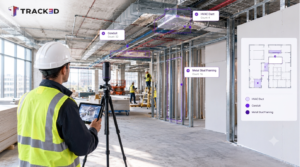
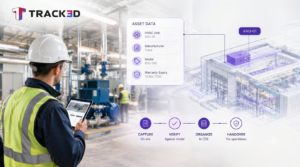
Track3D already does something most construction platforms can’t. It tracks 200+ progress categories automatically – framing, drywall, MEP rough-in, flooring, and more. The system calculates them from site captures, compares against drawings, and tells you exactly where each trade stands. No manual input. No estimation. Just quantified, verified progress data across every floor and every scope.
Now it goes further. Because beyond the 200+ categories the system tracks automatically, every project has milestones that only your team can verify. A functional test. An inspection sign-off. An owner walkthrough. These have always required human judgment – and now Track3D gives your team a dedicated, structured way to track them inside the same platform.
Self-Driven Categories bring your team’s observations into the same platform as Track3D’s automated intelligence. Together, they give you the most complete picture of project progress available anywhere.
Key Takeaways
- Self-driven categories are completely user-driven. Track3D will not mark them. The team creates them, marks them, and owns them entirely.
- Progress can be marked on any date, including past dates, with no capture required. Field reality doesn’t wait for a scan.
- The self-driven toggle locks permanently after creation – keeping automated and human-verified data permanently distinguishable and audit-ready.
- Visibility is consistent across all four progress pages and all platforms: Web, Mobile, and iPad. Self-driven categories carry a clear indicator everywhere they appear.
- Admins create and configure. Users with Asset Management permissions mark. Every update flows through Activity Log and Slackbot notifications.
- The result: progress tracking that reflects user observations, not just camera data – and a platform that gives teams genuine autonomy over their own milestones.
200+ Automated Categories. Now Add Your Own.
Track3D’s 200+ automated categories are system-calculated by design. That’s the point – the system does the heavy lifting, eliminates manual effort, and delivers quantified progress data that project teams can trust and defend. No one on your team needs to count drywall sheets or eyeball MEP installation percentages.
And now the platform goes one step further. Because the smartest progress tracking isn’t just automated – it’s automated plus human-verified. Self-driven categories let your team add the milestones that require direct observation: a functional test, an inspection sign-off, an owner walkthrough. Not as a workaround. As a first-class feature, sitting right alongside everything the system already tracks.
The result is genuine autonomy. Your team controls their own milestones, marks them on their own timeline, and sees them alongside Track3D’s automated data – in one platform, one dashboard, one complete picture.
What Self-Driven Actually Means
The name is deliberate. A self-driven category is not marked by Track3D. Ever. It is completely user-driven – created by your team, marked by your team, owned by your team. Track3D holds it, displays it, and keeps it in the audit trail alongside every system-calculated category. But the decision of when to mark it, and at what percentage, belongs entirely to you.
Think about the lights example. Your electrician finishes installing fixtures on Level 3. Track3D can see from the 360° scan that something has changed on the ceiling. What it cannot tell you is whether those lights are actually working. That requires someone to flip the switch. A self-driven category called “Level 3 Lighting – Tested and Functional” gets created in thirty seconds. Your electrician marks it done from their phone the moment they’ve confirmed it. Timestamped. In the system. Done.
That’s a simple example. The same logic applies to AHJ inspections, fire stopping sign-offs, owner substantial completion walkthroughs, BIM coordination approvals, weekly safety checks – any milestone where human judgment is the only way to know it’s complete.
Three Things That Make This Different
1. You mark progress on any date – with or without a capture
Self-driven categories are not tied to the capture cycle. If the verification happened on a Tuesday and the next capture isn’t until Friday, you mark it Tuesday. The system accepts past dates. This matters because field reality rarely waits for a scheduled scan, and progress reports should reflect when work actually happened – not when the camera arrived.
2. The toggle locks. Permanently.
When an admin creates a self-driven category and flips the toggle, that setting locks after save. The toggle is visibly disabled with a tooltip – so there’s no ambiguity about why it can’t be changed. This is intentional. The moment a category can switch back and forth between system-calculated and user-driven, your audit trail loses integrity. Was that 80% figure from the AI or from someone in the field? If those two sources are indistinguishable, the data is unreliable. The lock keeps them permanently separated – and that separation is exactly what makes the data defensible.
3. It’s visible everywhere, with a clear indicator
Self-driven categories appear on Progress Overview, Progress Trends, Progress Details, and Progress Configuration – across Web, Mobile, and iPad – with a consistent visual indicator that distinguishes them from Track3D-calculated categories. Every stakeholder looking at the dashboard knows immediately which data came from the system and which came from the team. No ambiguity. No footnotes required.
Who Controls What
The permission structure is straightforward and worth understanding.
Admins create self-driven categories. They’re the ones who define the category name, flip the toggle, and lock it in. They can also convert an existing normal category to self-driven using the same toggle – at which point Track3D stops calculating it and hands full control to the team.
Users with Asset Management permissions mark progress. This is deliberately broader than admin-only – because the person closest to the work, the superintendent on Level 3 who just confirmed the lights work, shouldn’t have to route that through a project manager to get it logged.
Every update is tracked. The Activity Log records each self-driven progress entry. Slackbot notifications carry a Self-Driven flag. The data doesn’t just live in the dashboard – it flows through the same notification and logging infrastructure as everything else. And because the feature is fully instrumented, adoption is measurable: teams can track how many self-driven categories are being created per project and how many users are actively marking progress – two metrics that tell you exactly how deeply the feature is embedded in day-to-day workflows.
Why More Accurate Progress Tracking Matters
On any large commercial project, the gap between what the system calculates and what the team knows can be significant. A floor might be 90% complete by Track3D’s automated calculation, but the superintendent knows the last 10% is blocked by a material delivery that won’t arrive until next week. A self-driven category for “Level 4 – Ready for Finishes” captures that human judgment in a way no camera ever could.
Progress reports that combine automated intelligence with verified human observations are more accurate than either alone. They’re more defensible in pay app disputes. They’re more useful to owners trying to make scheduling decisions. And they reflect what a project actually is – not just what it looks like from a 360° scan.
Conclusion
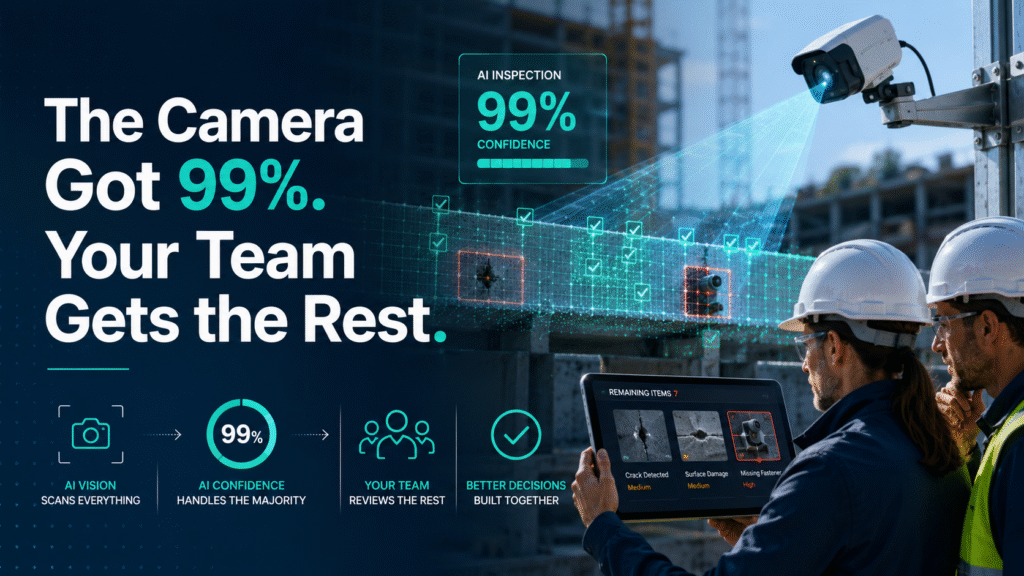
Track3D’s 200+ automated categories tell you what the cameras measured. Self-driven categories tell you what your team verified. Neither is complete without the other. Together, they give you the most accurate, defensible picture of project progress available on any platform.
Track3D already tracks what the system can see. Self-driven categories track what your team knows. Greater user autonomy. More accurate data. One platform that captures both. That’s not just a product feature – that’s a complete picture of your project.
Frequently Asked Questions
What’s the difference between a self-driven category and a system-calculated one?
System-calculated categories are marked by Track3D based on capture data and drawing comparisons. Self-driven categories are marked entirely by your team – Track3D never touches them. Both appear in the same dashboard with a clear visual indicator showing which is which.
Can I convert an existing category to self-driven?
Yes. Admins can use the toggle to switch any normal category to self-driven. Once switched, Track3D stops calculating it and full control passes to the team. The toggle locks after save and cannot be reversed.
What if the verification happened before I had time to log it?
Self-driven categories can be marked on any past date. The system doesn’t require same-day entry. If the functional test happened on a Tuesday and you’re logging it Thursday, mark it Tuesday – the date reflects when the work was actually verified, not when it was entered.
Who can see self-driven categories?
Everyone with access to the project. They appear on Progress Overview, Trends, Details, and Configuration pages across Web, Mobile, and iPad – with a consistent indicator that distinguishes them from Track3D-calculated categories.
Does this replace automated progress tracking?
No – it extends it. Track3D’s 200+ automated categories continue to work exactly as they always have. Self-driven categories sit alongside them, adding the layer of human-verified progress that no camera can provide. The goal is one complete picture, not two separate systems.