Use case · Superintendent · Trade handover & deployment
Trade handover management
Know the area is ready before you release the next trade
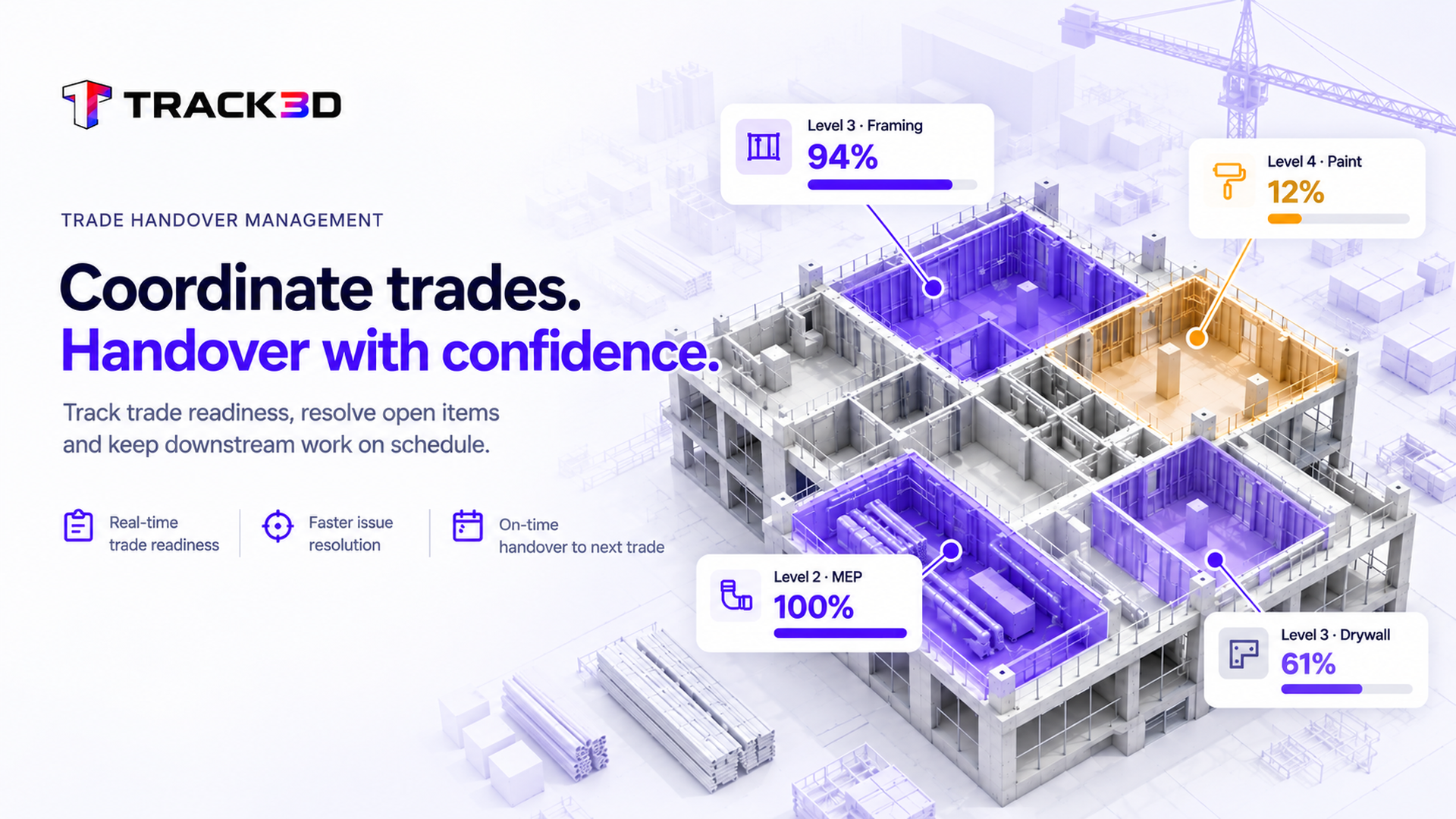
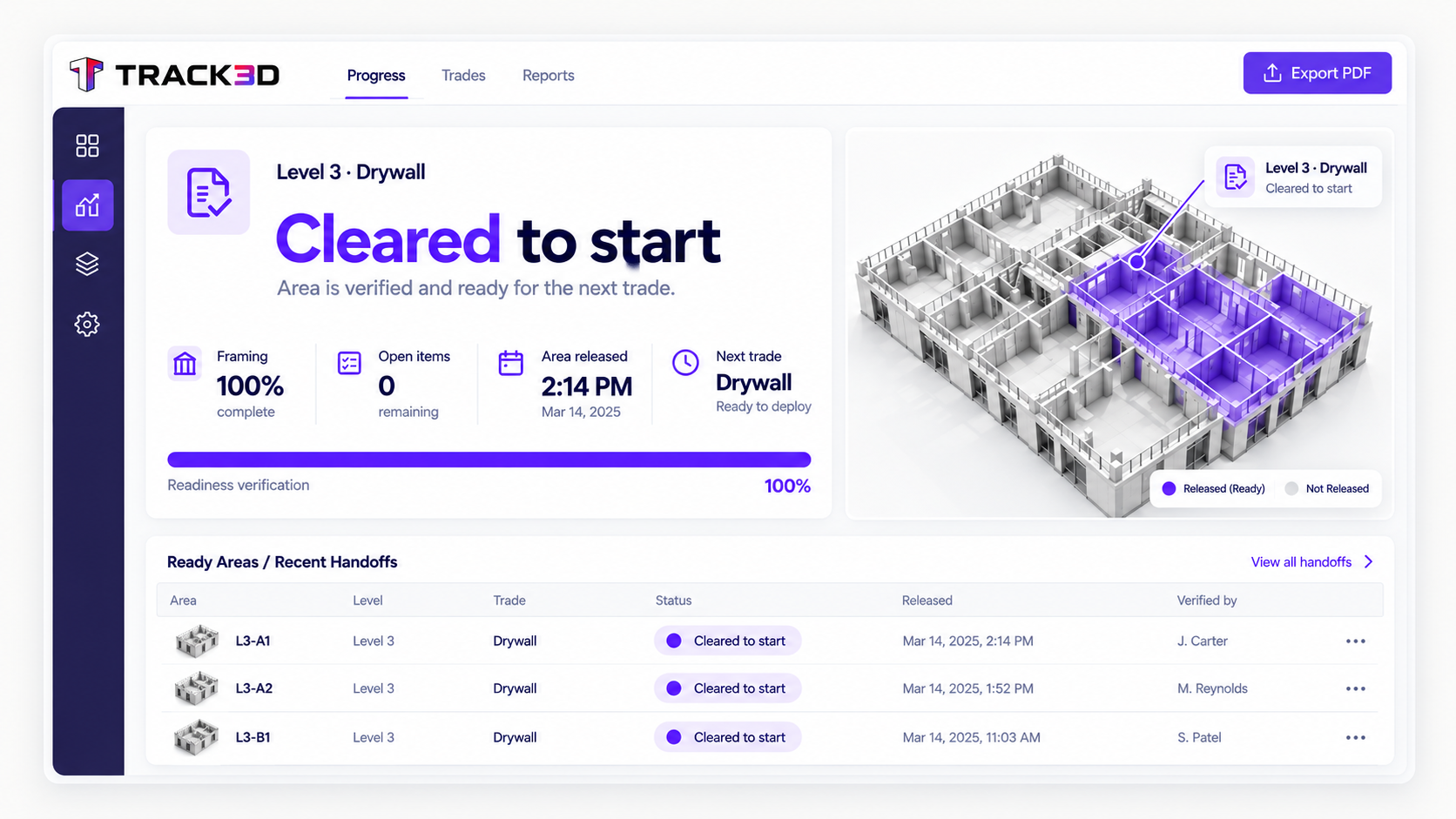
When one trade wraps up, the next needs a work area that is actually ready. Track3D shows measured progress alongside remaining items by area, so you can clear gaps before the next crew mobilizes – and before incomplete work gets concealed.
Uncertainty at the handoff is where rework gets buried
The GC has to step in wherever one trade’s scope touches another’s. MEP in-wall and above-ceiling work is where that risk is sharpest, once the wall closes or the ceiling grid goes up, whatever’s left undone is gone from view. Track3D gives you certainty instead, so you prevent buried rework instead of discovering it after the trade demobilizes.
See it coming, verify it's clean, deploy the next
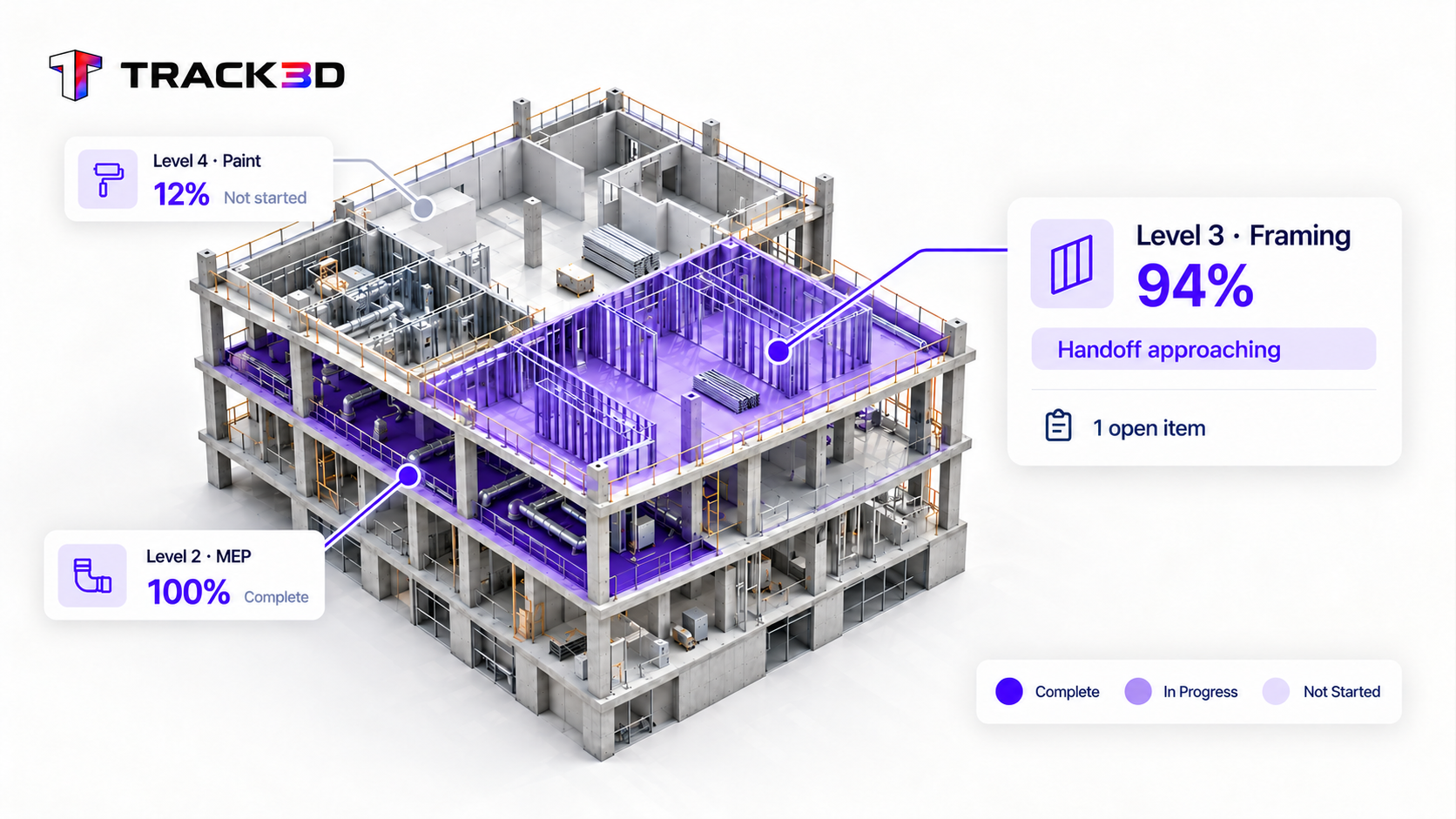
Track3D shows what’s still open while the current trade is still on the floor. You confirm it’s complete, then make the release call on evidence.
1See the handoff coming
Get an alert as a predecessor trade’s scope nears completion, while there’s still runway. Pre-stage the next trade before the current one even finishes.
Days
of lead time before completion
2Clear the open items before release
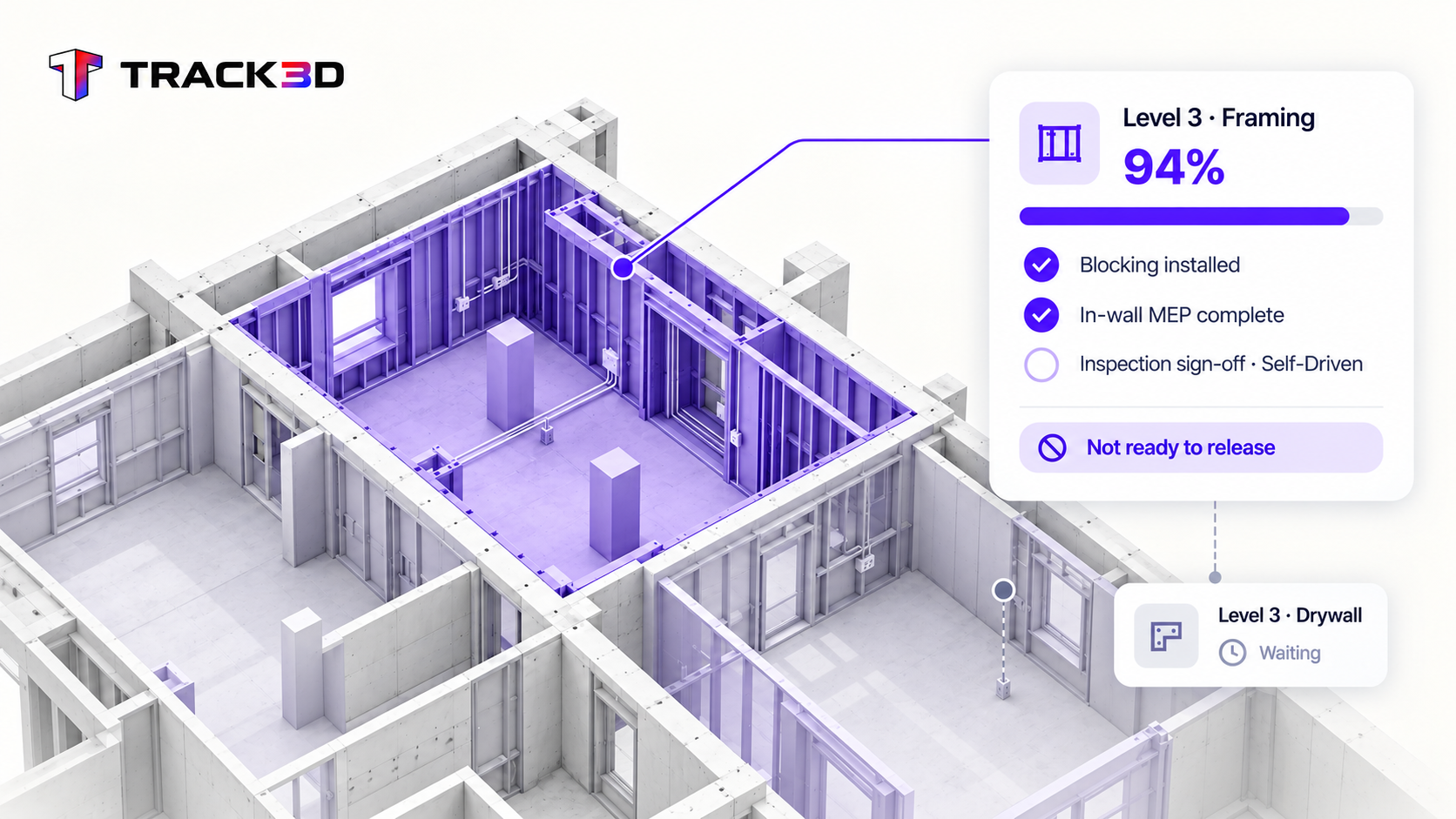
Review installed scope and outstanding requirements together, including approvals your team must complete. The release decision stays with you.
Open items
visible before the next trade starts
3Deploy into ready work
The moment an area clears, send the next trade in while the current crew closes out the rest. No idle crews.
Ready
areas for the next crew to start work
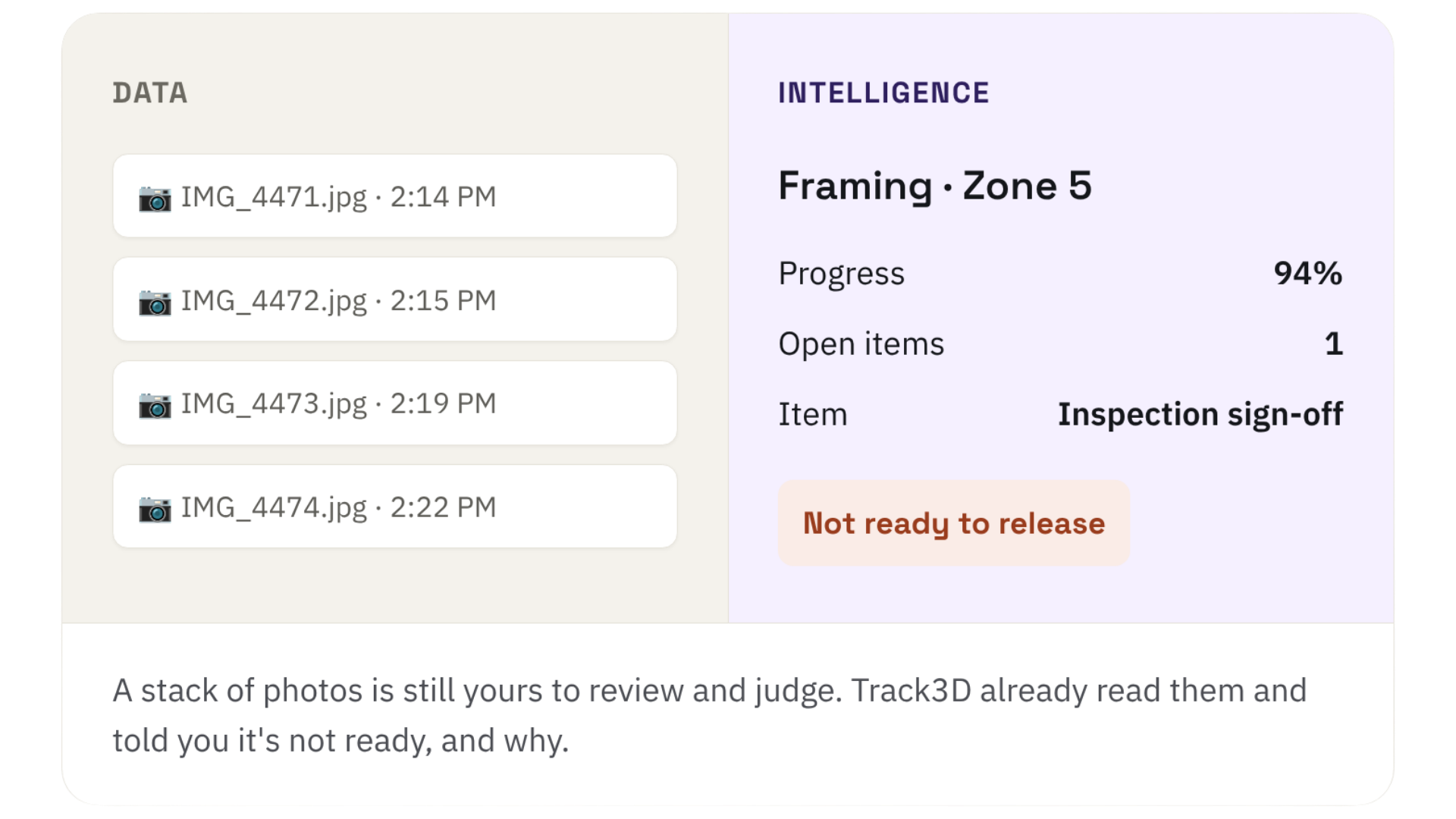
A record of what’s there is still yours to interpret Track3D reads the scope and tells you what’s still open before the predecessor trade demobilizes.
Top Use Cases
Schedule Recovery
Compare measured production rates against plan after every capture, so a slipping trade shows up while there’s still time to recover.
What if the incoming trade still finds something wrong?
Does this cover my wall-close or ceiling-close inspection sign-off?
What triggers the lead-time alert?
Measured progress on the scope, from each capture, not a self-reported percentage. TED, Track3D's project assistant, lets you set your own progress threshold, so you can tune it to how much lead time your handoffs actually need.
How is "done" verified?
Against the required scope for that area, so the open-items list is specific. You release on evidence, not a gut read.
What if the incoming trade still finds something wrong?
If something is still outstanding, reopen the item and assign the follow-up before the downstream schedule takes the hit.
Does this cover my wall-close or ceiling-close inspection sign-off?
This gives you the evidence to request that inspection with confidence. The sign-off itself is tracked as a Self-Driven Category, a milestone your team marks on its own timeline, so it sits alongside the automated progress data without this use case swallowing the Quality workflow.