Use case · Project Manager · Progress Verification and Reporting
Verified progress tracking
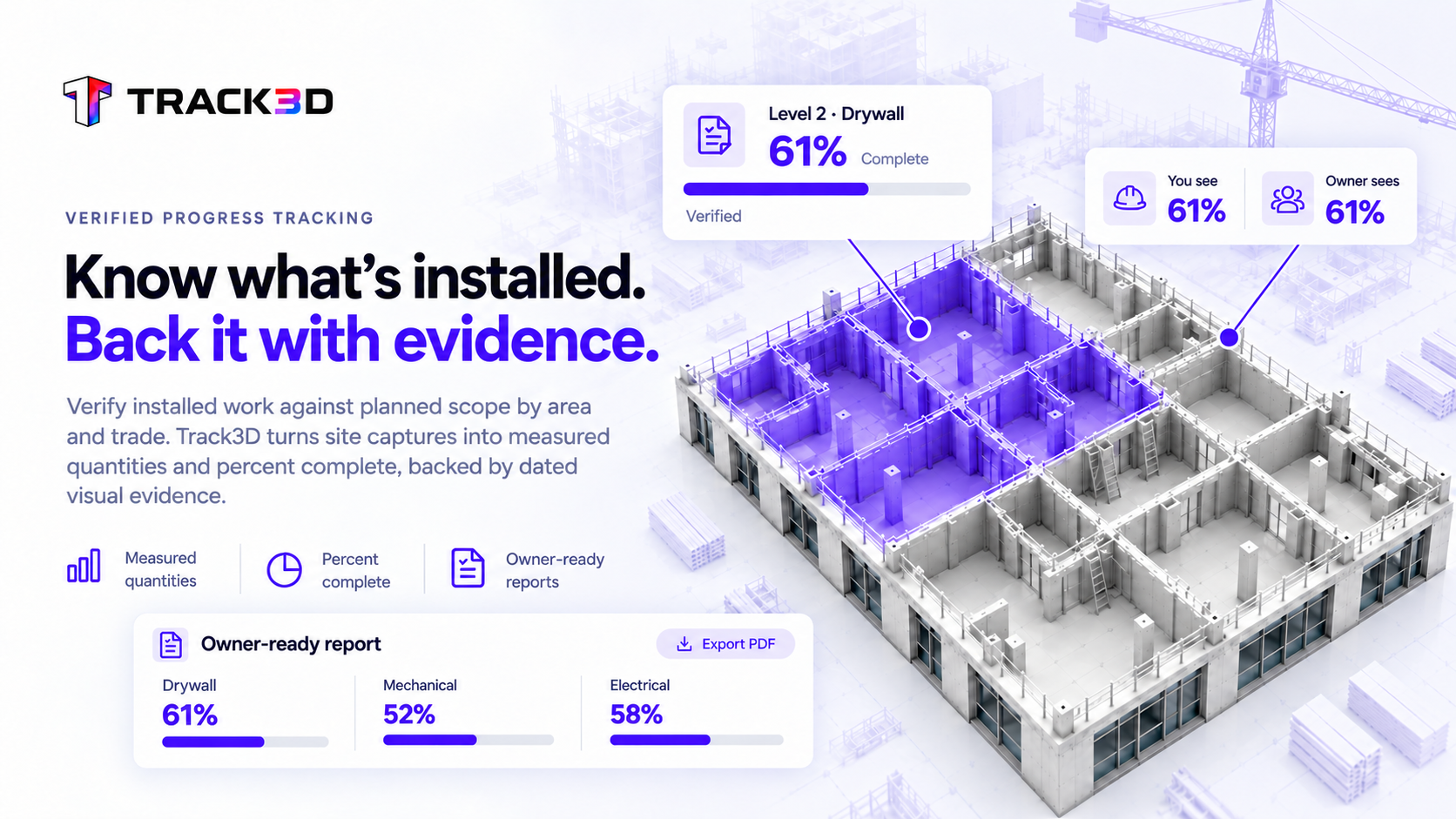
Know what’s installed. Back it with evidence.
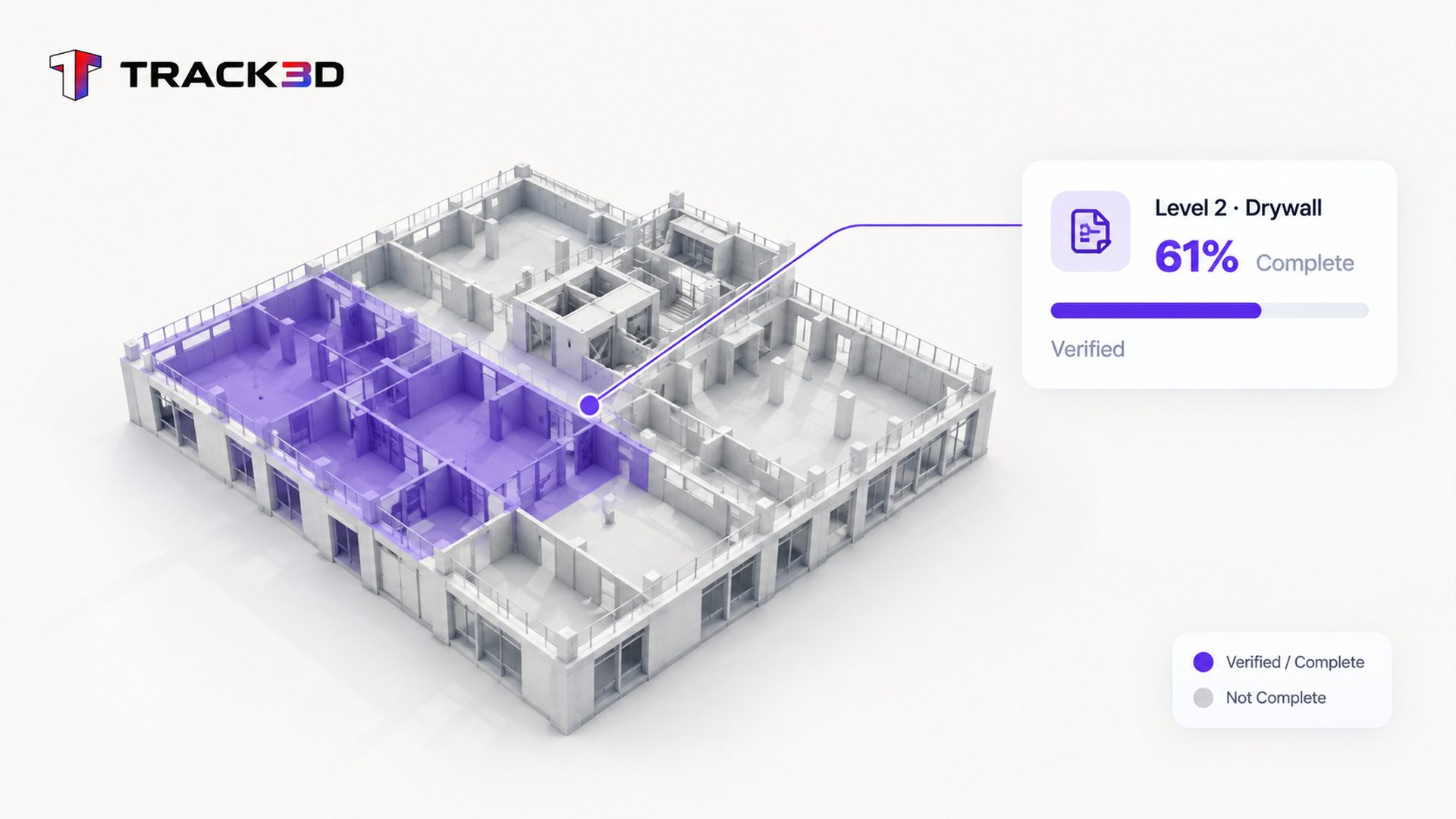
Verify installed work against the planned scope, by area and trade. Track3D turns site captures into measured quantities and percent complete — with dated visual evidence to support your progress updates, payment reviews, and stakeholder conversations.
Progress claims need numbers you can trace back to the site
Manual measures, field estimates, and spreadsheets can produce different answers to the same question: what is actually installed? Track3D measures progress from captured site conditions, by location and work category, giving your team a consistent record to review and report.
Measure it, trace it, report it
Capture-based progress measurement gives the team a consistent basis for review. Every report starts with the installed work, not a manually reassembled estimate.
1Measure installed work against plan
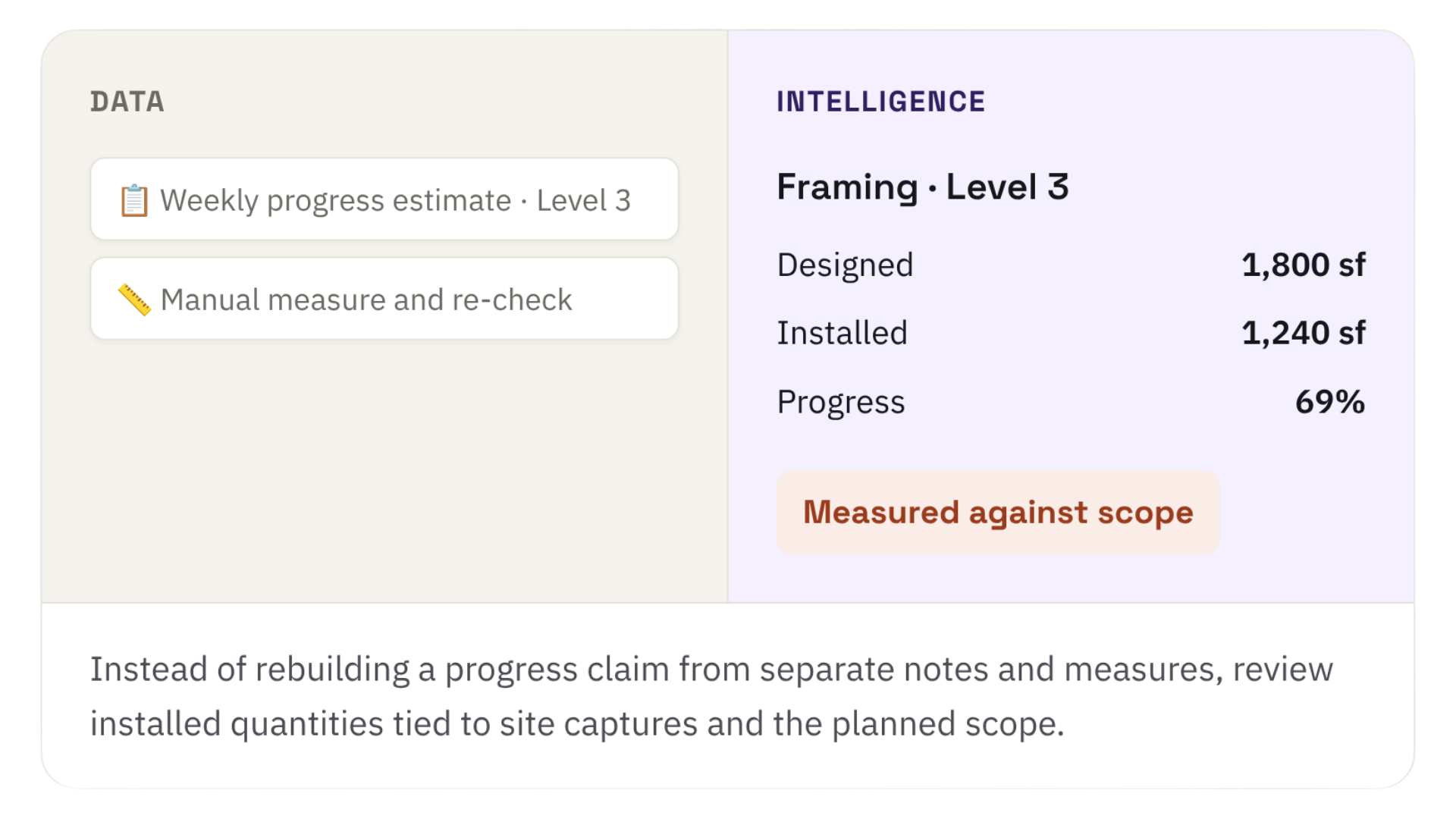
Compare measured installed quantities with the planned scope, by area, trade, and work stage. Review the percent complete and the underlying quantities together.
Measured
installed quantities vs. planned scope
2Trace the numbers to dated evidence
Use location-specific, time-stamped site captures to review the evidence behind a progress figure when questions come up.
Traceable
site captures tied to location and date
3Use one progress record across reporting
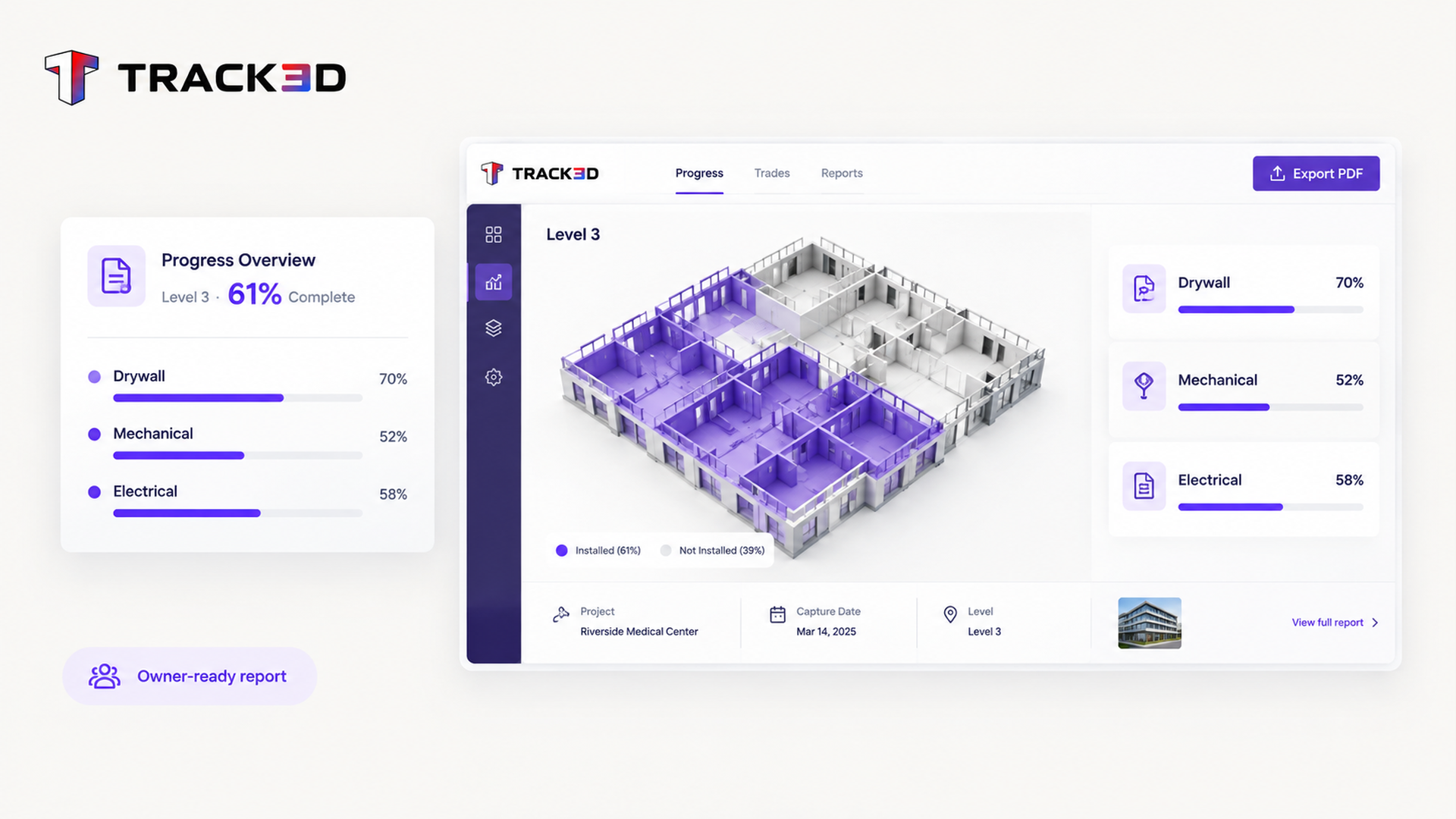
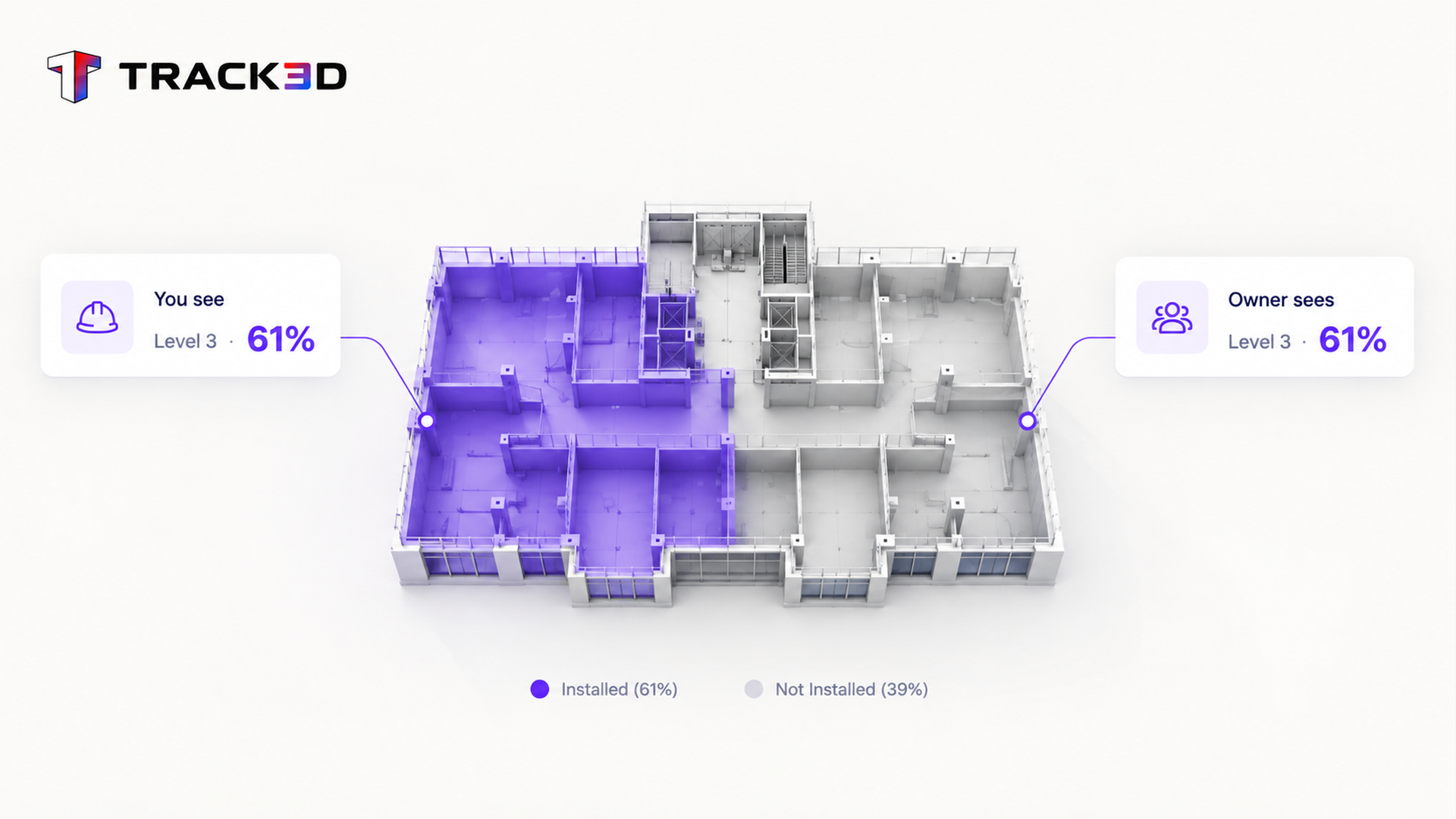
Build progress reports, owner updates, and payment-review conversations around the same measured quantities instead of separate manual estimates
Consistent
progress numbers across project discussions
Pictures document the work. Track3D turns captured conditions into measured progress you can review, trace, and report.
Top Use Cases
Daily Site Management
See where every trade stands from your latest captures, and which areas need your attention.
Can we use these numbers in reports and payment reviews?
What does verified progress mean?
Track3D measures installed quantities from processed site captures and compares them with the defined takeoff or planned scope. The measurement can be reviewed against the relevant location and dated visual record.
Do we need a BIM model?
No. Track3D can work from drawings and configured quantities. BIM can add context where it is available, but it is not a prerequisite for progress tracking.
How current are the progress numbers?
The progress record reflects the latest processed site captures for the relevant areas. It is updated after capture processing, not continuously in real time.
Can we use these numbers in reports and payment reviews?
Yes. Progress data can be exported and used as supporting evidence for project reporting and payment discussions. Your team remains responsible for reviewing and approving the final report or application.