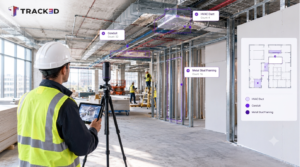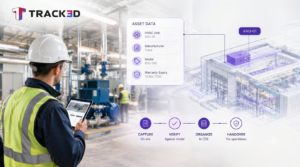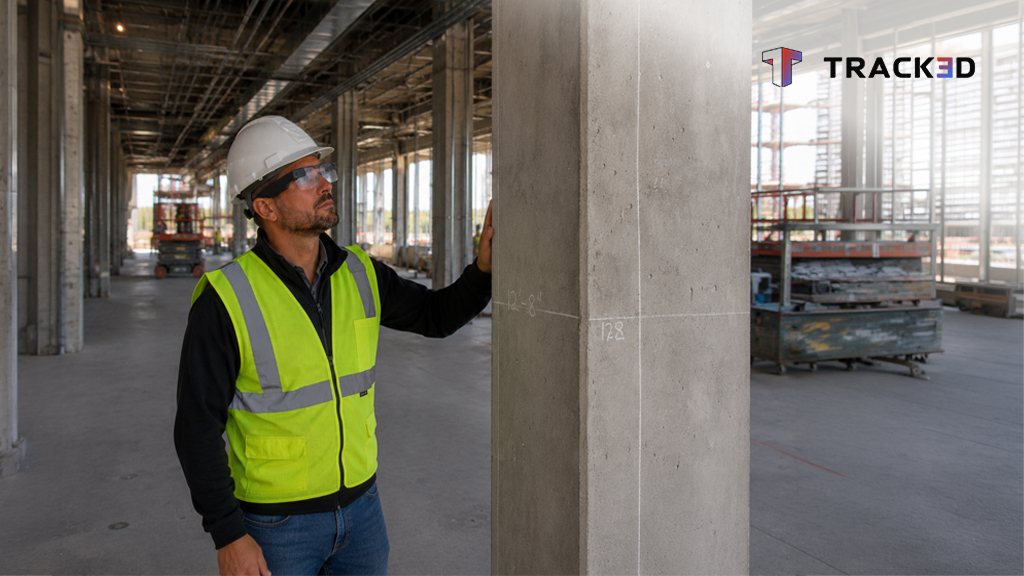
Walk the site. Say what you see. Track3D turns your observations into structured Daily Notes, captures ownership and due dates where needed, and builds the Daily Field Report as the walkthrough happens.
Ask any superintendent what they dislike most about the job, and it is rarely the site itself. It is the report written hours later, while trying to remember what happened during a ten-hour walk. Details fade, photos lose context, and the final report is only as complete as what someone could recall at the end of the shift.
Key Takeaways:
- Phone-based capture asks the supervisor to stop walking, frame a shot, and type a caption, so a lot of what happens on site never makes it into the record.
- Track3D already pulls from phones, 360 cameras, LIDAR and drone footage. Meta Glasses join that same input list.
- Meta Glasses remove that step. Walk the site, describe what you see, and keep moving.
- Track3D transcribes the observation in real time and turns it into a structured Daily Note, complete with ownership, due dates, and project location.
- Every note from the walk rolls into one Daily Field Report, ready before the supervisor sits down at a desk.
- No stopping to type. The report is already built and made available at the end of the day
Why Construction Daily Reporting Still Happens After the Walk
Most teams document the site with some mix of a phone camera, a notes app, and memory. It works, but it’s fragile. Capture depends on someone stopping mid-walk, pulling out a phone, framing a shot, typing a caption, and then getting back to the job. The more friction there is in that moment, the less actually gets documented, and the more inconsistent the project record becomes over time.
Phone-based capture was a real improvement over paper. But it still asks the supervisor to do the translation work themselves: turning a photo into a description, assigning ownership, setting due dates, and then compiling everything into a report later. On a long, multi-trade walk, that extra effort adds up.
How Meta Glasses Turn the Walkthrough into the Report
That’s what Track3D changes.
Instead of treating documentation as something that happens after the walk, Track3D makes it part of the walk itself.
Track3D already turns phone photos, 360 camera sweeps, and drone footage into the same structured notes. Meta Glasses give the field team one more way to feed that system. With Meta Glasses, there’s nothing to open first and no phone to hold while you’re moving through the site. Put on the glasses and start walking. They’re your camera and your microphone, capturing what you see while you describe it naturally.
“Ceiling tiles still damaged in Room 301.”
“Framing’s ahead of schedule on Level Two.”
Say it the same way you’d say it to the foreman standing beside you.
Track3D transcribes your observations in real time, understands what you’re talking about, and automatically turns them into structured Daily Notes. It generates a clear title, captures the description, assigns ownership when mentioned, records due dates, and links everything to the right project location and supporting media. You never stop walking, and you never have to type a word.
One Construction Walkthrough. One Daily Field Report.
Every observation captured during the day rolls into a single Daily Field Report containing progress updates, issues, assigned tasks, follow-up items, and risk highlights, ready to share with your team, leadership, or client.
Instead of spending time exporting photos, compiling notes, and reconstructing the day’s events from memory, the report is effectively built as the walkthrough happens. By the time the supervisor sits down at the end of the day, the documentation is already there.
The walkthrough that supervisors were already doing becomes the documentation everyone else depends on.
More Than Hands-Free Construction Documentation
The real change is what happens after you speak.
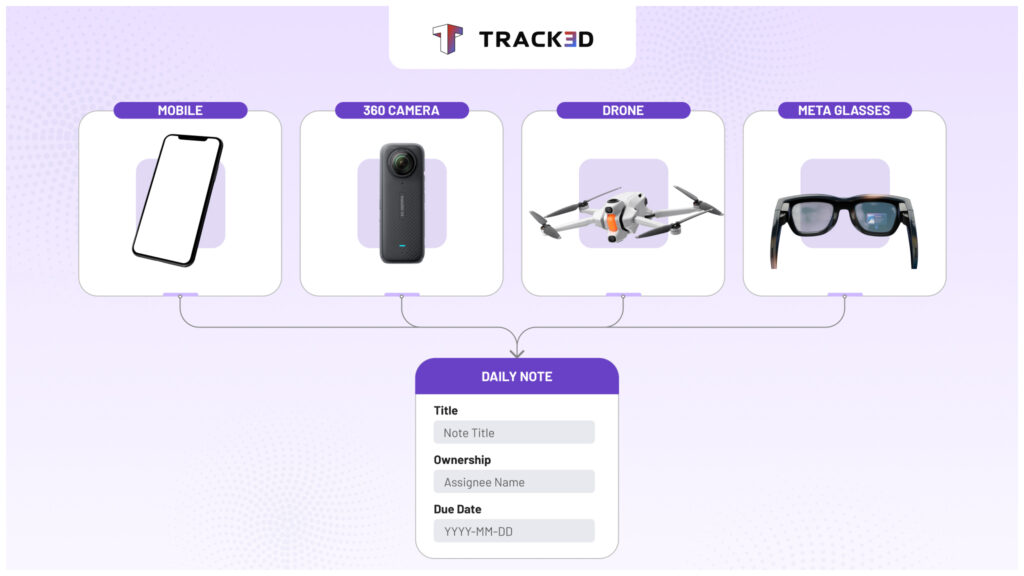
Track3D doesn’t simply record what was said. It understands the observation, structures it into a standardized Daily Note, enriches it with ownership, location, media, and annotations where needed, and prepares it for the rest of the project team to act on.
Every walkthrough creates new observations. Every observation becomes a structured Daily Note. Every annotated note becomes part of the project’s history. Over weeks and months, those thousands of observations build something construction teams have never really had before: a searchable memory of the project itself.
That’s what Track3D is becoming: a searchable memory of the project, built from whatever device the field team already has in hand.
A system that remembers what happened, where it happened, when it happened, and who needs to act on it-without asking field teams to stop working to document it.
And this is only the beginning. Once every observation becomes structured project data, documentation evolves into something much more powerful. Instead of searching through photos or reports, teams will be able to ask natural questions like, “What issues are still open on Level Three?” or “Show me yesterday’s mechanical observations,” and let Track3D retrieve the answers instantly.
The Walk Is the Report
For years, the report has been something that happened after the work was done. Supervisors would finish their walkthrough, return to the trailer or office, and spend another hour trying to reconstruct the day while the details were still fresh enough to remember.
Track3D changes that workflow.
The walkthrough itself becomes the report. Nothing needs to be rewritten from memory, manually organized, or pieced together after the fact. What happened on site is captured, structured, and documented while the work is still happening.
Because the most accurate record of a construction project isn’t the one someone writes at the end of the day. It’s the one created the moment the work happens.
FAQ
Can Meta Glasses be used for construction site documentation?
Yes. Meta Glasses can capture visual and spoken observations while a supervisor walks the site. Track3D then turns those observations into structured Daily Notes connected to the relevant project context.
How does Track3D create a construction daily report?
Track3D organizes observations captured during the walkthrough into Daily Notes containing descriptions, ownership, due dates, project locations, and supporting media. These notes are then consolidated into a Daily Field Report.
Does Track3D only work with Meta Glasses?
No. Track3D can use inputs from phones, 360 cameras, LiDAR devices, drones, and Meta Glasses. The observations are organized within the same project documentation workflow.
Can Track3D assign construction observations to team members?
When ownership is mentioned or added, Track3D can associate the observation with the appropriate person and include the relevant due date and project location.
What is the benefit of hands-free construction reporting?
Hands-free reporting reduces the need to stop, hold a phone, type notes, or reconstruct the walkthrough later from memory. This helps teams capture more complete observations while staying focused on the site.